
B2B Privacy Filter Procurement
Which Privacy Filters Should a Reseller Stock? Build an Assortment from Buyer Demand

Plan a reseller privacy filter range from real buyer requests, fit information and replenishment needs, without assuming every popular size will sell.
Stock configurations that your buyers repeatedly request and can use, test promising additions in a limited batch, and keep unusual or unresolved requirements on a quote-to-order basis. Choose from your own inquiries, fulfilled orders, missed sales and return reasons. A popular screen diagonal or search phrase is a starting point for a conversation, not a stock list.
Separate two decisions: which configurations belong in the range, and how many units of each you can reasonably carry. A useful opening assortment does not need to reproduce the supplier’s entire catalog.
Start with evidence of buyer requests
Use actual inquiries, orders, lost sales and fit-related returns
Review the requests your team has already handled. Look for the device and attachment the customer wanted, whether an order followed, and what prevented the sale when it did not. Keep repeated messages about the same request together so one conversation does not appear to be several buyers.
Treat each record according to what it actually tells you:
- A fulfilled order shows a purchase, while a repeat order may indicate continuing demand for that configuration.
- An inquiry shows interest. A buyer still identifying their device has not yet chosen a particular filter.
- A missed sale caused by unavailable stock points to a different action from one lost on price, timing or an unsuitable attachment.
- A fit-related return identifies a mismatch to investigate. A picking error and a poorly described variant need different corrections from an unsuitable product.
Keep exceptional projects visible rather than blending them into routine demand. A single fleet rollout can be worth serving without making its configuration a permanent stock item.
Separate a keyword search from a confirmed compatible configuration
A broad request such as “laptop privacy screen” does not tell you which device, coverage or attachment the customer needs. Even a diagonal leaves open the aspect ratio, physical fit and installation choice.
Use privacy filters by device to translate the request into a product route. Within laptop privacy filter families, distinguish Universal Laptop, MacBook and Microsoft Surface needs before comparing the specific installation options your customers ask for.
Search terms can help you recognize the language buyers use. They cannot establish that an item will fit those buyers’ devices or sell through at your store. Keep an unqualified inquiry separate from demand for a named configuration.
Choose the breadth of the opening range
Cover recurring device and installation needs first
Start with combinations that recur in your records. Device coverage alone is not enough: customers who frequently remove a filter for meetings may be asking for a different product from customers who want an installed layer to stay in place.
Select options that answer distinct needs. Adding another attachment should solve a recurring customer problem, not simply make the range look larger. Compare the proposed addition with the configurations you already carry and ask what previously unserved request it would address.
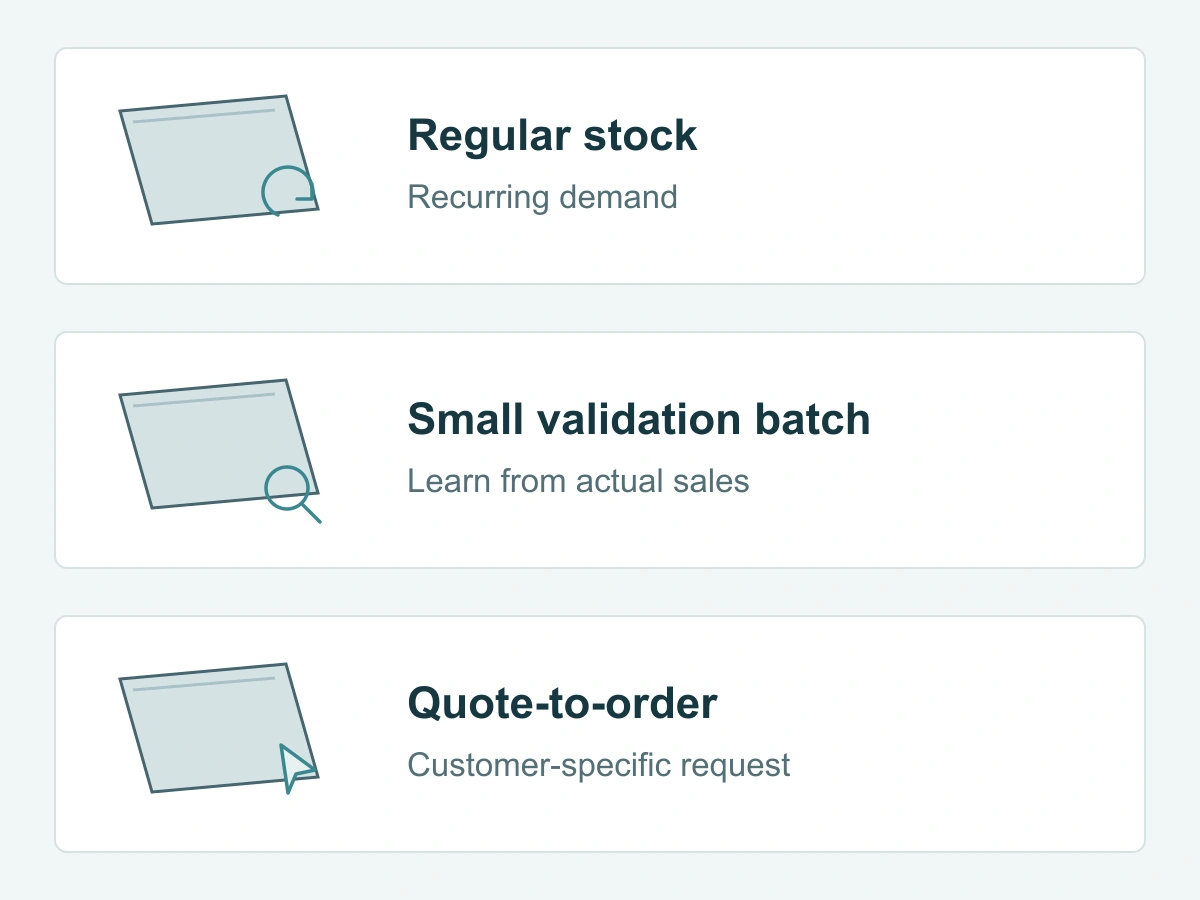
Use the following purchasing approaches for each candidate. These are decision categories, not recommended stock percentages.
| Purchasing approach | What your own records should show | Buying action | Main trade-off and review trigger |
|---|---|---|---|
| Regular stock | Recurring orders or well-qualified requests for the same usable configuration; understandable return history; known replenishment conditions | Carry the named configuration and replenish against observed demand and available budget | Makes repeat requests easier to serve, but commits cash and storage; revisit when demand, device mix or return reasons change |
| Small validation batch | A specific, credible customer need and a defined configuration, but little repeat sales history | Limit the initial commitment to an affordable batch and decide what you want to learn from actual sales and feedback | Provides a chance to learn without treating interest as a forecast; expand only when results support it |
| Quote-to-order | Uncertain fit, unusual coverage, customer-specific packaging or a one-off project in the inquiry history | Develop the configuration and written quote for that customer before committing to supply | Avoids holding a speculative variant, but requires a customer willing to plan around the quoted process and timing |
Keep uncertain fit or unusual custom demand as quote-to-order candidates
Quote-to-order is a way to serve a request without turning every possibility into shelf stock. Tell the customer which device or configuration question needs resolving and what happens next. Do not present an unresolved alternative as an immediately available substitute.
Use the custom privacy filter project route for unusual coverage or other project-specific requirements. If a previously occasional configuration begins generating repeat orders, reassess its place in the assortment using those new records.
Decide depth without invented forecasts
Use known replenishment lead time, sales history and budget
Once you have selected a configuration, use actual sales over a consistent period to discuss the opening quantity or reorder. Note when the item was unavailable: few sales during a stockout do not necessarily mean little demand. Conversely, a large order that has already been completed should not automatically be repeated in the next replenishment calculation.
Ask for replenishment timing for the actual configuration, package and destination. Separate supplier dispatch from transport and receipt at your warehouse. Include any sample or specification work that must happen before production; a general lead-time statement is not the complete time until you can fulfill a customer’s order.
Review the amount committed to goods, freight, packaging and storage against your available purchasing budget. Account for stock already on hand and confirmed incoming supply before adding another order.
Shopify’s assortment-planning guidance supports using sales history, customer feedback, budget and supply conditions when shaping a retail range. Applying those inputs to exact privacy-filter configurations is more useful than borrowing another retailer’s inventory mix.
If history is absent, define a limited learning batch rather than claim best sellers
Choose a candidate from a real customer request and identify the uncertainty: repeat demand, preferred attachment or the suitability of a specific configuration. A sample used to resolve fit is different from stock purchased to learn about demand; complete the necessary fit work before offering an exact-fit item for sale.
Set the initial commitment around what the business can afford to carry if sales are slower than hoped. Decide when to review it and what would justify another purchase. Do not label an untested addition a bestseller or increase the quantity just to make an assortment appear complete.
For an installed fleet, replenish from actual use
Enterprise IT teams need a different demand record from a reseller’s sales history. Count complete filters damaged or lost and filters needed for newly added devices. Keep items on hold, approved replacements, usable spare stock and confirmed incoming units separate. Use the privacy filter replacement decision guide to distinguish a whole-filter need from an issue that still needs review.
If only a clip or strip is missing, identify the original attachment and ask about a matching part before counting a complete filter. Group the remaining needs by device and approved filter configuration, including visible dimensions and installation method. Compare each group’s requirement with usable stock, then confirm product availability, quantity and delivery terms for the destination. Bring the grouped gaps and any unresolved attachment question to bulk privacy filter purchasing for a quote.
Review what the first orders teach you
Track which configurations sell through and why returns occur
Review sales and remaining units by configuration, not only by the broad privacy-screen category. Separate customer orders from samples, canceled transactions and returned units so the record reflects what buyers actually kept.
For each return, identify the cause before changing the buying plan. If the wrong attachment was picked, improve identification and fulfillment. If customers misunderstood a size label, clarify the listing. If the configuration did not suit the stated device, revisit that fit claim before replenishing it.
Record requests you could not fulfill alongside sales. They help distinguish a gap in the range from an item that was listed but temporarily unavailable.
Expand or reduce a configuration based on observed demand
Increase commitment when repeat purchases, manageable returns and replenishment conditions support it. Move a slow, specialized item toward quote-to-order when holding it no longer suits the actual requests. Change one part of the assortment deliberately so you can understand what the next orders reveal.
When your chosen range is ready to buy, the mixed-size laptop order guide explains how to carry the configurations into quotation, sample and order confirmation. Use bulk privacy filter purchasing for the supply discussion rather than treating this planning guide as a volume-price offer.
Request a Quote with your selected device and attachment configurations, quantities, replenishment or sample needs, and any open fit questions. Paste the summary into the form; share supporting lists separately through the site’s provided WhatsApp, Telegram or WeChat options.