
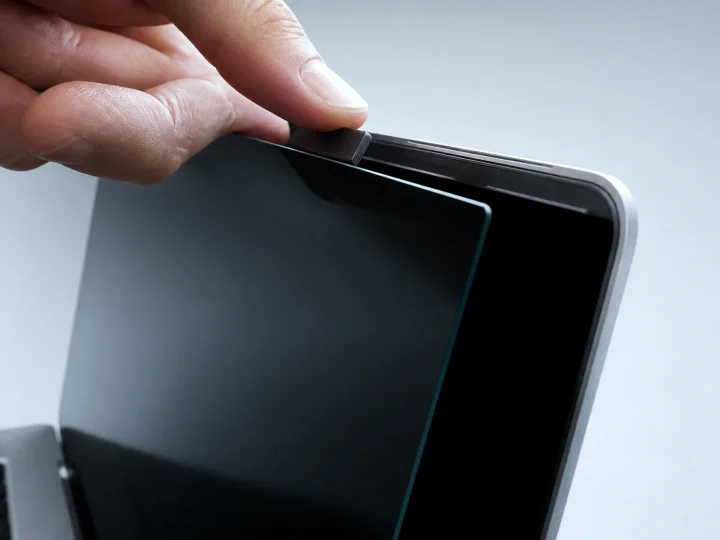
Magnetic
Consider this option when your MacBook users alternate between private work and showing the screen to others.
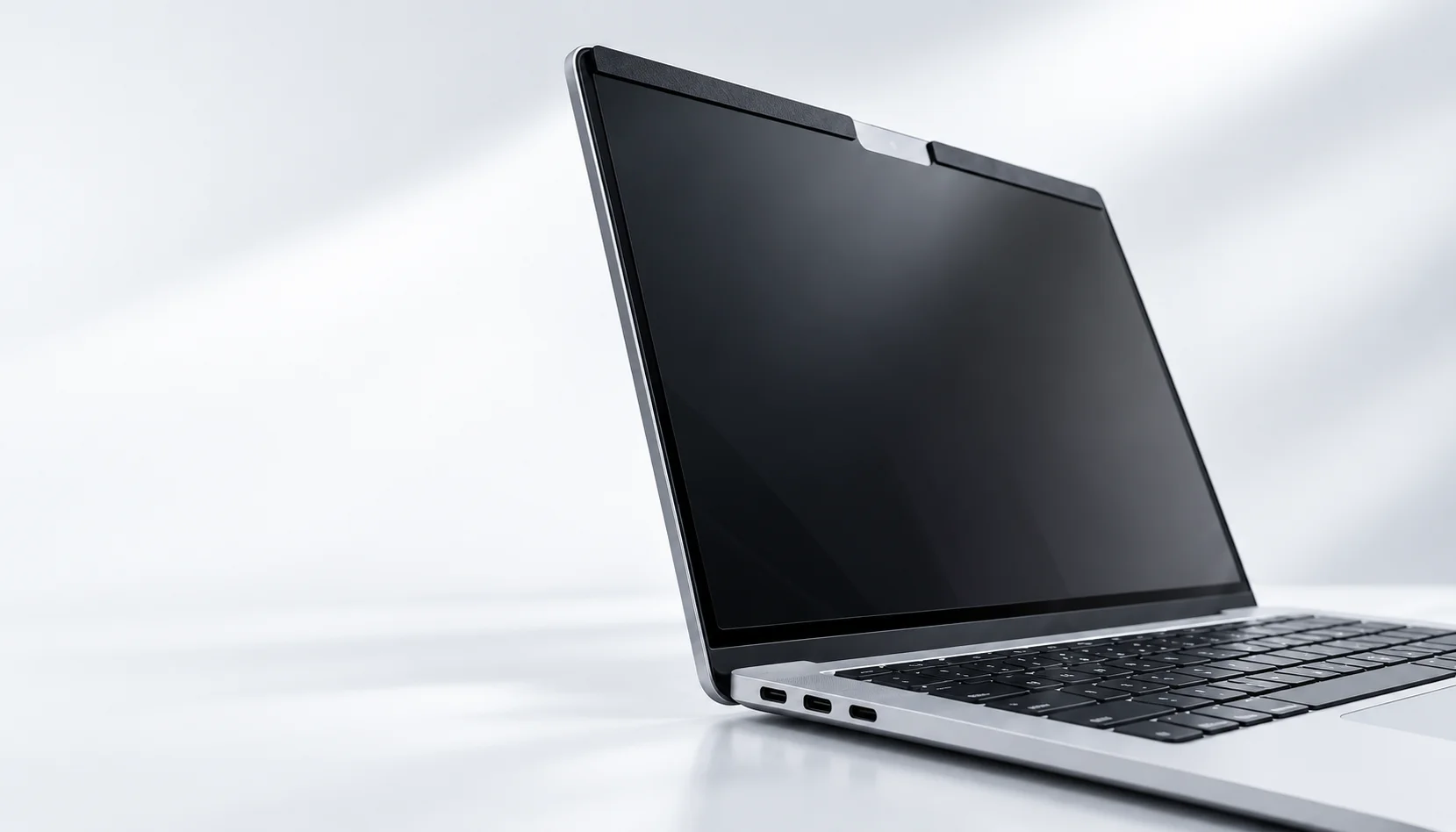
MacBook series
Review PET privacy screen options for MacBook market-size families. Confirm the exact model, visible display area and attachment before ordering.
Product options
Consider this option when your MacBook users alternate between private work and showing the screen to others.

Consider this option when you prefer direct attachment and want an alternative to the magnetic option.
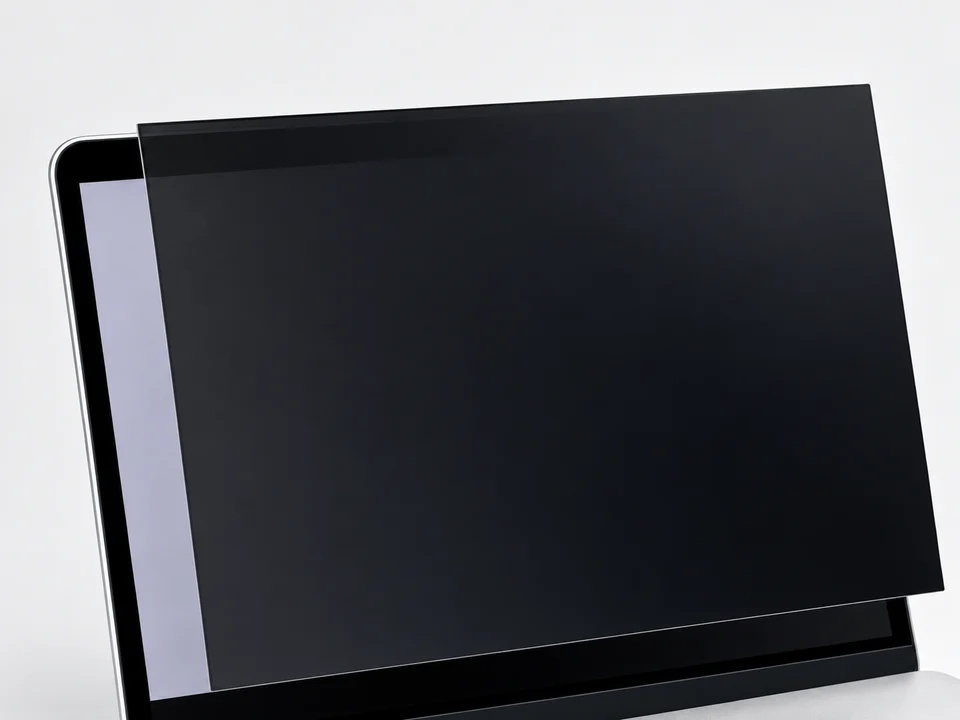
Consider this option when you favor static or full-adhesive attachment over a magnetic setup.
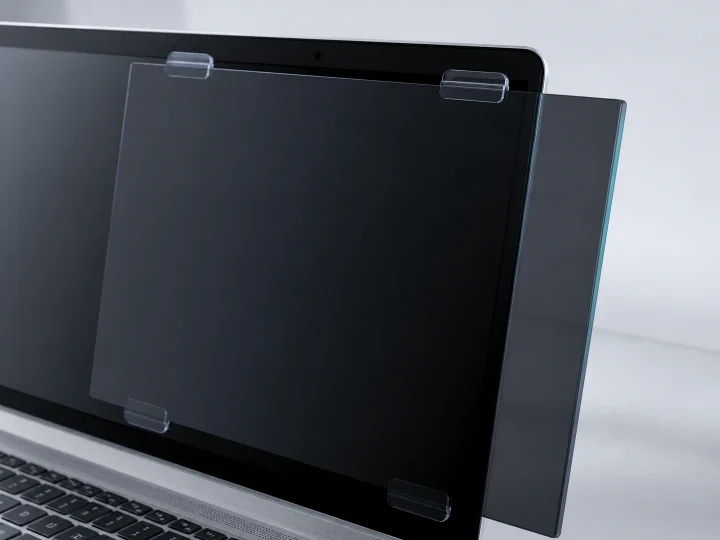
Consider this option when comparing edge clips with adhesive-strip attachment for a MacBook fleet.
Compare options
| Installation | Attachment & removal | Contact / attachment form | Information for a quote |
|---|---|---|---|
| Magnetic | Attaches magnetically and can be removed for shared viewing. | Magnetic attachment working with the MacBook's edge conditions. | Describe how often users need to remove the filter and any edge areas that must stay clear. |
| Nano Direct-Attach | Attaches directly to the screen surface in a removable format. | Direct screen-surface attachment rather than magnetic mounting. | Include a clear screen-surface photo and describe when users would remove the filter. |
| Static / Full Adhesive | Choose static or full-adhesive attachment; handling depends on which configuration you select. | Screen-surface attachment; static and full adhesive are separate choices. | Specify static or full adhesive, include a screen-surface photo, and describe any removal needs. |
| Clips / Adhesive Strip | Choose clips or adhesive strips; filter removal and attachment removal are separate handling considerations. | Clips engage the edges; adhesive strips are a different configuration from full-surface adhesive attachment. | Specify clips or adhesive strips and identify available edge positions and areas that must stay clear. |
Model and size check
The catalog includes 13, 13.3, 13.6, 14.2, 15.3 and 16.2-inch labels, but generation or year compatibility is not assumed.
Do not rely on diagonal size alone. Exact MacBook model-year compatibility and attachment details require measurement and device confirmation.
Secure inquiry
Share the marketed size together with actual visible measurements, attachment preference, quantity and timing.
Model guides
MacBook generations can share a marketed size while using different visible dimensions or edge conditions. Choose your model group to review the starting options.
For a MacBook Air M2, first identify whether it is the 13-inch (2022) or 15-inch (2023) model. Both can start with the MacBook magnetic privacy screen or the MacBook nano direct-attach privacy screen; the size label alone does not establish fit.
| MacBook Air M2 version and display | Starting products | Confirm before ordering |
|---|---|---|
| 13-inch model (2022) — 13.6-inch display | Magnetic or nano direct-attach | Exact model/year, top rounded corners and camera area, intended coverage and attachment conditions. |
| 15-inch model (2023) — 15.3-inch display | Magnetic or nano direct-attach | Exact model/year, top rounded corners and camera area, intended coverage and attachment conditions. |
Confirm the actual display and the chosen attachment on the device before finalizing the filter dimensions. Request a quote for your MacBook Air M2 group with the model/year, display size, visible measurements and quantity.
For a 2020 MacBook Air, identify the Intel or M1 model before selecting a filter. Both have a 13.3-inch display, but that label alone does not establish the filter outline or attachment fit. For either version, start by comparing the MacBook magnetic privacy screen with the MacBook nano direct-attach privacy screen.
| MacBook Air 2020 version | Starting products | Confirm before ordering |
|---|---|---|
| Retina 13-inch (2020), Intel | Magnetic or nano direct-attach | Exact model, display outline and visible coverage, top attachment edge, camera area and closed-lid clearance. For nano, also check the intended screen-contact area. |
| 13-inch (M1, 2020) | Magnetic or nano direct-attach | Exact model, display outline and visible coverage, top attachment edge, camera area and closed-lid clearance. For nano, also check the intended screen-contact area. |
These are two separate model checks, not an assumed shared fit. Request a quote for your MacBook Air 2020 group with Intel or M1, visible measurements, preferred attachment and quantity.
For a MacBook Pro (2021), identify the 14-inch or 16-inch model first. Their displays measure 14.2 and 16.2 inches diagonally, respectively. For either version, start by comparing a MacBook magnetic privacy screen with a nano direct-attach privacy screen, then confirm the model-specific filter outline and installation conditions.
| Version and display size | Starting products | Confirm before ordering |
|---|---|---|
| MacBook Pro (14-inch, 2021) — 14.2-inch display | Magnetic privacy screen or nano direct-attach privacy screen | Model-specific outline, rounded top corners, camera area, planned coverage, magnetic top contact or nano screen contact, and closed-lid clearance. |
| MacBook Pro (16-inch, 2021) — 16.2-inch display | Magnetic privacy screen or nano direct-attach privacy screen | Model-specific outline, rounded top corners, camera area, planned coverage, magnetic top contact or nano screen contact, and closed-lid clearance. |
The marketed display size does not determine a finished filter's dimensions or attachment fit. Request a quote for your MacBook Pro 2021 group with the exact 14-inch or 16-inch model, preferred attachment, intended coverage and quantity.
For IT teams and resellers sourcing filters for older MacBooks, keep the exact model and year in each order line. A shared screen diagonal does not make two generations interchangeable.
Start with a magnetic filter if users need frequent removal, or a nano direct-attach filter if they prefer attachment directly to the screen. These are starting options, subject to a matching outline and attachment arrangement for this generation. Apple specifies a 13.3-inch, 1440 × 900 display. Its 16:10 shape does not mean a filter selected for the Early 2015 Retina MacBook Pro will fit this Air. Check the Air-specific edges, camera clearance and attachment contact areas before ordering.
Compare magnetic and nano direct-attach options according to removal preference, keeping both “Retina” and “Early 2015” in the specification. This model has a 13.3-inch, 2560 × 1600 display, but the same diagonal and 16:10 ratio as the 2017 Air do not establish a shared filter outline. If the screen has an existing film or damaged coating, do not assume direct attachment is suitable; the contact surface needs assessment. Magnetic attachment also needs a model-specific arrangement, not an assumption based on the metal body.
Start with an exact-model size assessment, then compare magnetic removal with nano direct attachment. Apple lists a 16-inch, 3072 × 1920 display for this model—not the 16.2-inch display used by later versions. Do not substitute a later 16.2-inch filter or a generic 16-inch outline. If an available outline cannot meet the required coverage and attachment conditions, discuss a custom privacy filter.
Compare our MacBook magnetic privacy screen and MacBook nano-adhesion privacy screen as installation starting points, not guaranteed model matches. Finished coverage, camera clearance and lid clearance must be checked for the selected filter; a diagonal label alone does not settle them.
Request a quote for your MacBook fleet with exact models and years, quantity per model, removal or direct-attachment preference, and any existing film, case or surface damage. We start from the available model information and ask for additional edge or installation details only where needed.
Answers remain scoped to device measurements, configuration and reviewed product data.
Marketed diagonal labels can cover different visible dimensions. Width, height and a device photo help confirm the correct fit.
No universal generation claim is made. Each request is checked against submitted model and measurement information.
Removable attachment routes are available, with the suitable option confirmed for the selected device.
A sample can be requested after the device and fit information is supplied for confirmation.