
Laptop privacy screen selection
Laptop Privacy Screens for Business Laptops
Compare ScreenWord privacy screen paths for Universal Laptop, MacBook and Microsoft Surface devices. Start with the device series, choose an installation method, review the relevant product details, then submit the model, visible display dimensions, edge conditions and quantity for a business quote.
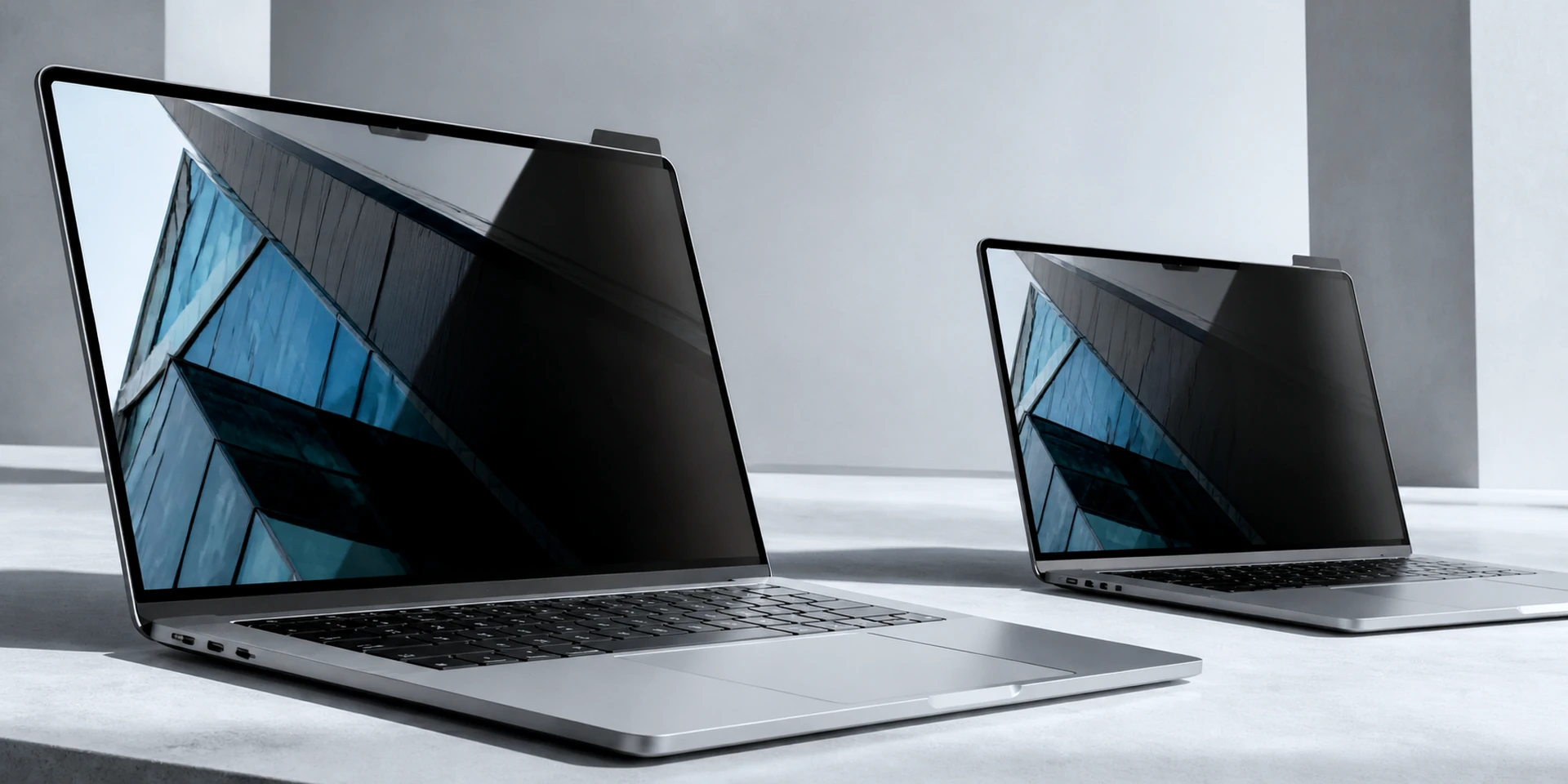
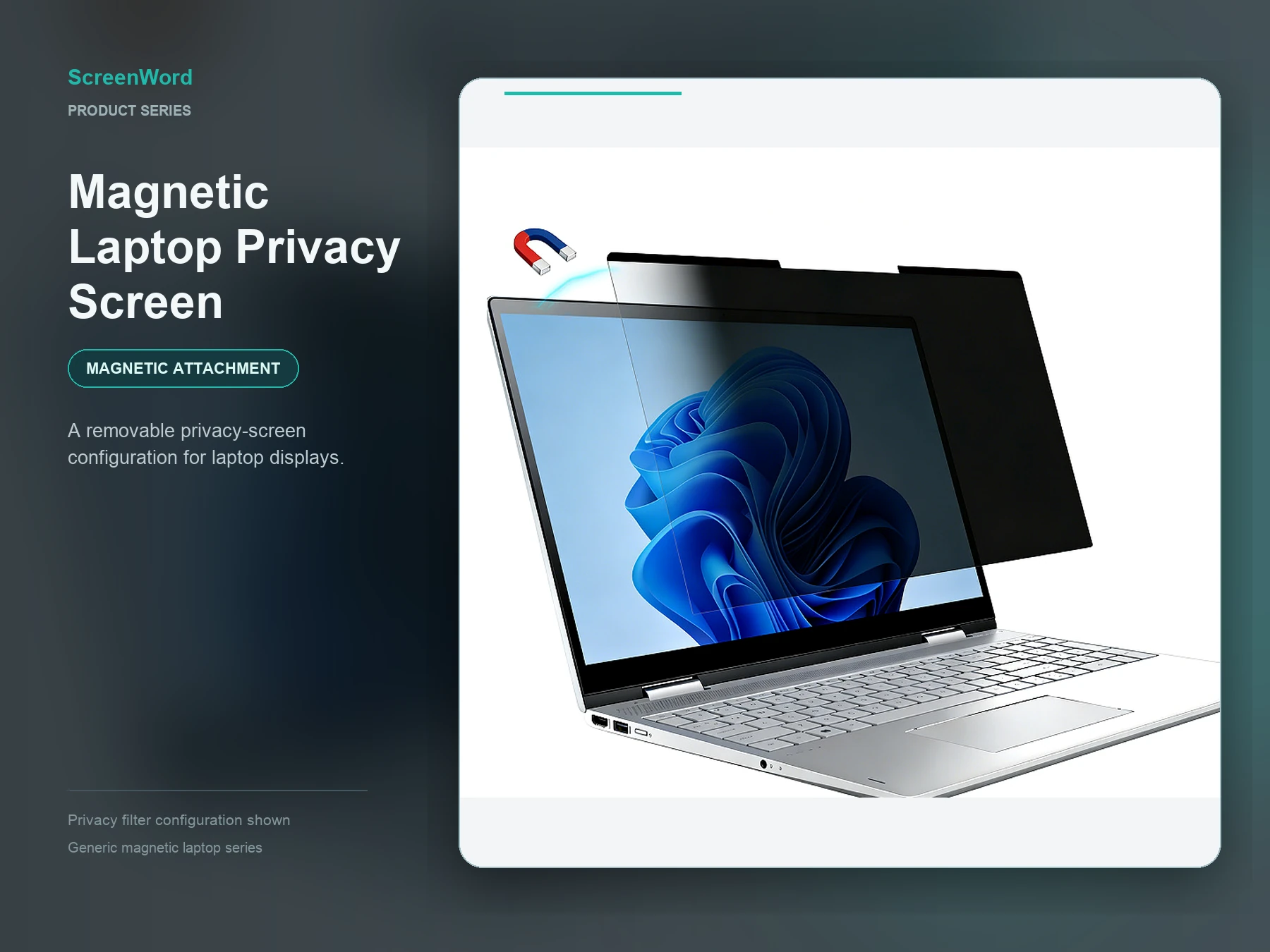
Universal Laptop
Business laptops outside the MacBook- and Microsoft Surface-specific paths, using a size-based selection process supported by visible display measurements.
- Installation choices
- Magnetic; nano direct-attach; clips / full adhesive; static / full adhesive.
- Prepare for fit review
- Laptop brand and model, visible display width and height in millimeters, aspect ratio, bezel and edge condition, preferred installation method, quantity and a device photo when available.
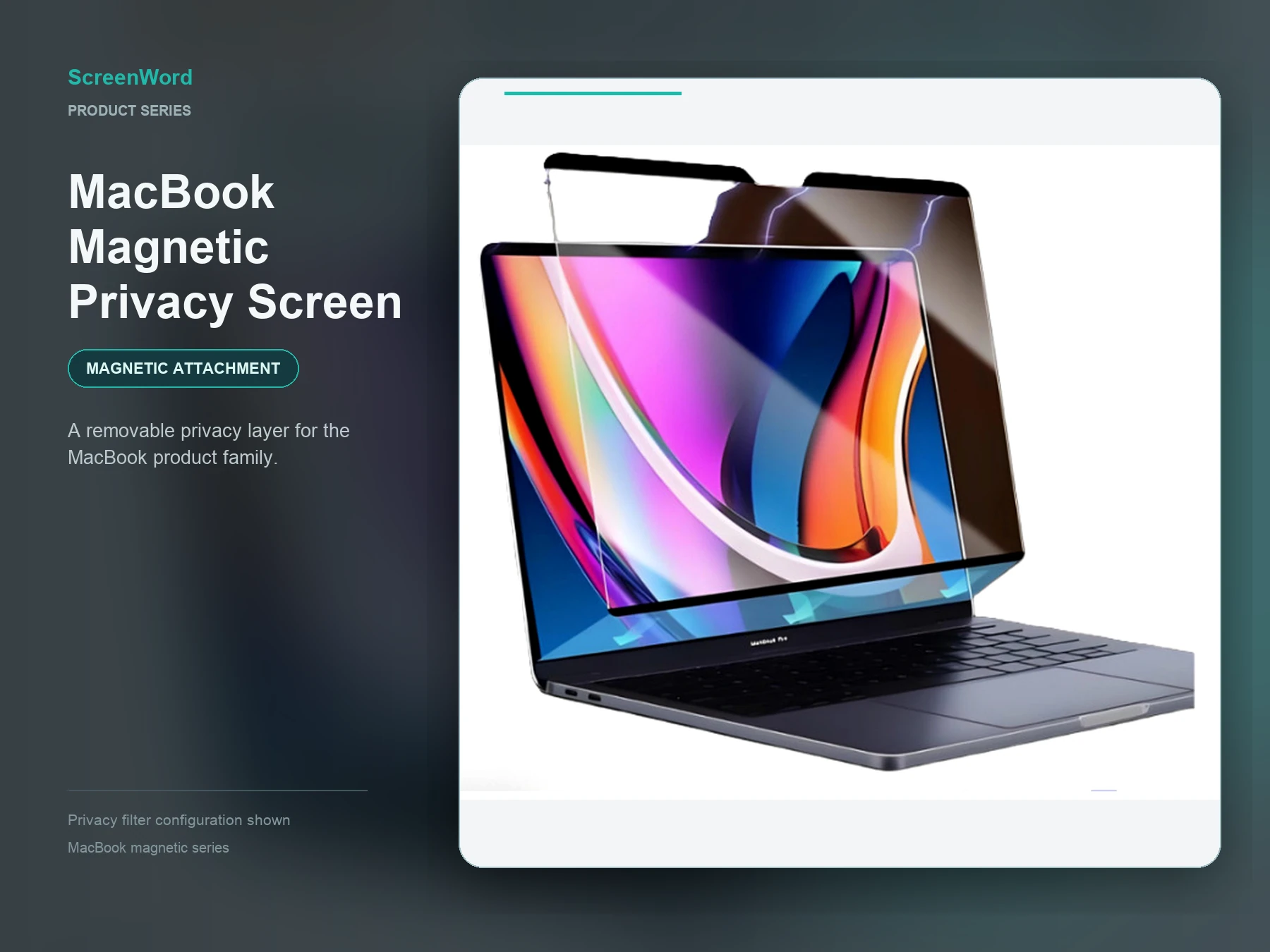
MacBook
MacBook device and market-size families that need model-led and measurement-supported selection.
- Installation choices
- Magnetic; nano direct-attach; static / full adhesive; clips / adhesive strip.
- Prepare for fit review
- Exact MacBook model and year when available, marketed screen size, visible display width and height in millimeters, aspect ratio, camera and edge condition, preferred installation method, quantity and a clear device photo.
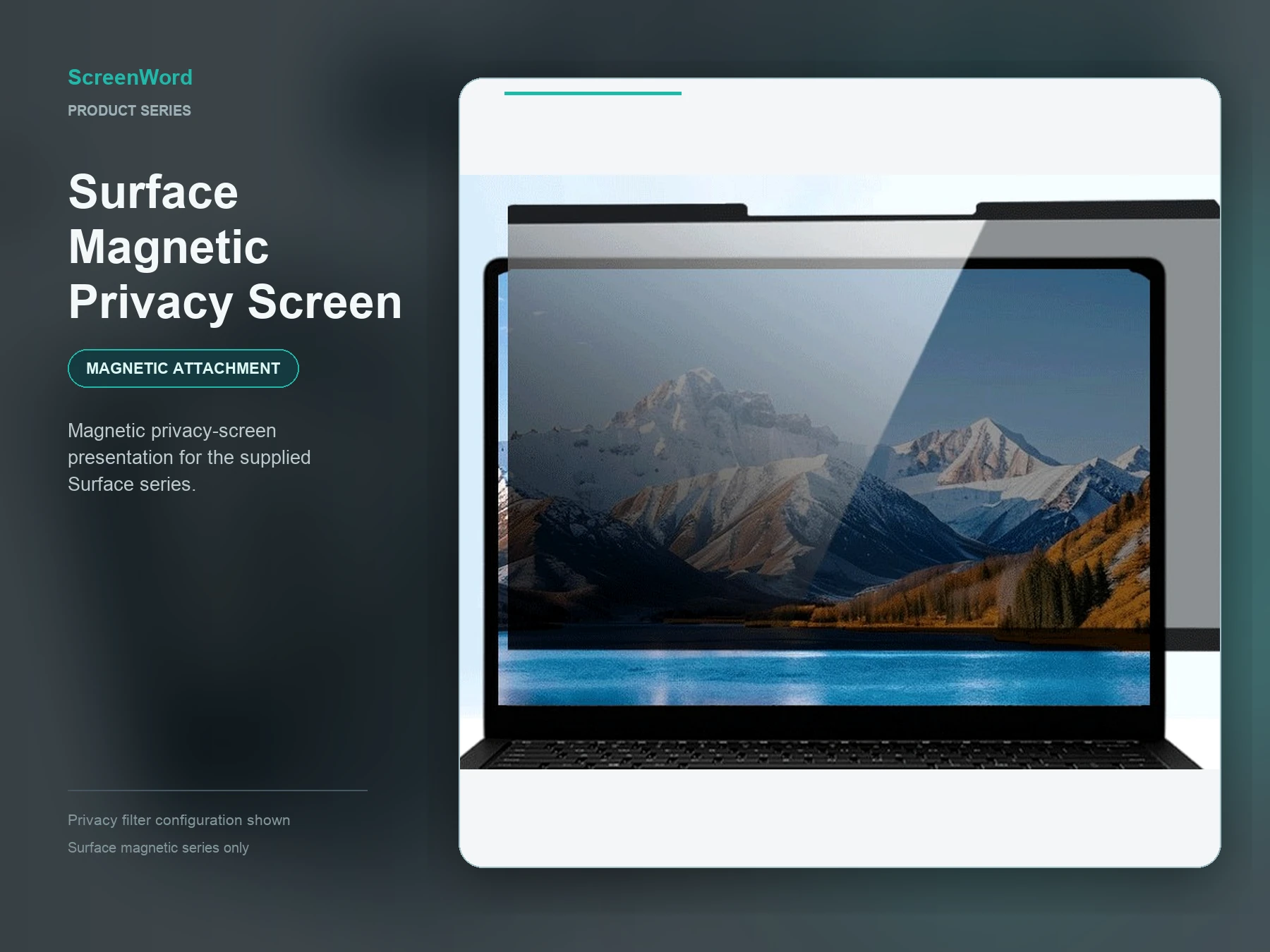
Microsoft Surface
Microsoft Surface laptops and 2-in-1 devices that require model, visible-area and edge-condition review.
Privacy screen options for the full Microsoft Surface range, with multiple installation methods and size options. Share your model and dimensions to select the right configuration.
- Installation choices
- Magnetic; nano direct-attach; clips / full adhesive; slide-tab.
- Prepare for fit review
- Surface model or a clear device photo, visible display width and height in millimeters, aspect ratio, camera or sensor position, screen edge condition, preferred installation method and quantity.
Selection map
Compare the three laptop privacy screen paths
Visible dimensions, model evidence and edge conditions are used to review the requested fit and installation path. Final specifications are confirmed in writing for the selected configuration.
| Device series | Best starting point | Installation choices shown on the series page | Fit information to prepare | Series page |
|---|---|---|---|---|
| Universal Laptop | Other-brand business laptops using size-based selection | Magnetic; nano direct-attach; clips / full adhesive; static / full adhesive | Brand/model, visible width × height in mm, ratio, bezel/edge, preferred method, quantity and photo | Explore Universal Laptop Filters |
| MacBook | MacBook device and market-size families | Magnetic; nano direct-attach; static / full adhesive; clips / adhesive strip | Exact model/year when available, marketed size, visible width × height in mm, ratio, camera/edge, preferred method, quantity and photo | Explore MacBook Privacy Screens |
| Microsoft Surface | Surface laptops and 2-in-1 devices | Magnetic; nano direct-attach; clips / full adhesive; slide-tab | Model/photo, visible width × height in mm, ratio, camera/sensor and edge conditions, preferred method and quantity | Explore Surface Privacy Screens |
For touchscreen laptops: choose the device path, then check the input tasks
If your laptop uses touch, start with its device series: Universal Laptop installation options, MacBook installation options, or Surface installation options. Compare screen-surface contact, such as nano, static or full-adhesive options, with the edge or attachment space needed for magnetic, clip, slide-tab or strip-mounted options. These are installation considerations, not a ranking of touch compatibility.
For the actual model, identify required taps, swipes and edge controls; include pen input only if your team uses it. Share the visible width and height, aspect ratio, edge and camera conditions, removal or lid-closing needs where relevant, and quantity. Review the selected device, filter and attachment together, including a sample when needed. For nonstandard edges or integrated requirements, seek a custom privacy filter review; otherwise, request a touch-laptop configuration review with those details.
Questions before you request
Answers remain scoped to device measurements, configuration and reviewed product data.
Do you need the laptop brand or display measurements?
Visible display width and height are the fit baseline. Brand, model and a device photo help confirm the selected product and attachment.
Which option is easiest to remove?
The magnetic path is designed around easy removal. Final attachment suitability remains device and configuration dependent.
Can one order include mixed laptop sizes?
Yes. Share the device list, visible dimensions, quantities and attachment requirements for a mixed-size quote.
Can a standard laptop privacy filter be assumed to work with a touchscreen?
No. Assess touch use with the actual laptop, filter and attachment method together. Check the everyday touch tasks your team uses, including relevant taps, swipes or edge controls, on that configuration. A matching screen size alone does not establish touch suitability.