
Magnetic
Removable privacy-screen handling for devices with a suitable edge configuration.
Explore privacy filters for laptops, MacBook, Microsoft Surface and monitors. Compare installation options, then choose standard products, bulk supply or a custom configuration.

Each device route leads to installation-specific product pages and a direct inquiry path.
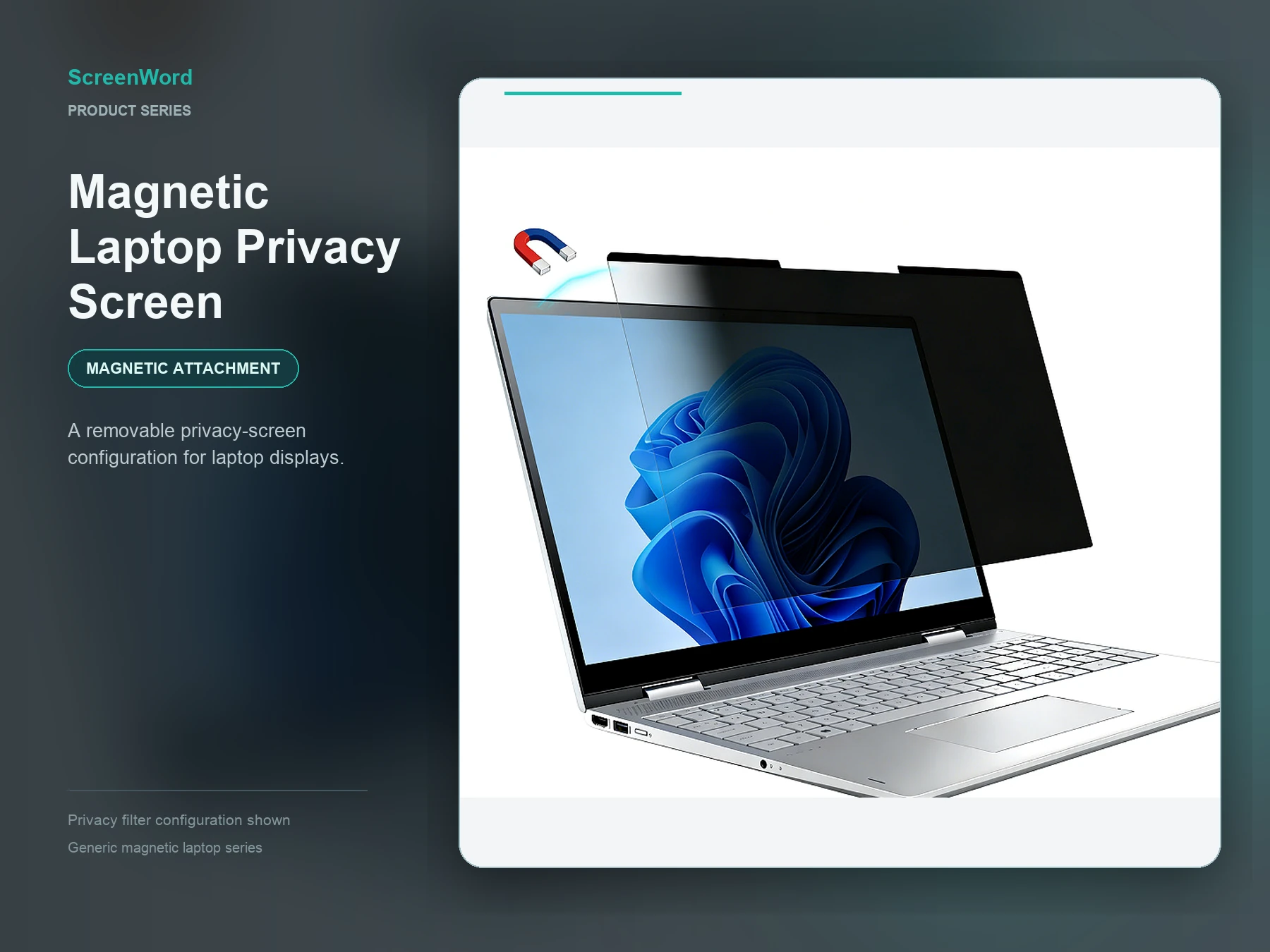 Universal LaptopChoose among four installation methods for mixed laptop fleets using visible dimensions and display ratio.Explore Universal Laptop
 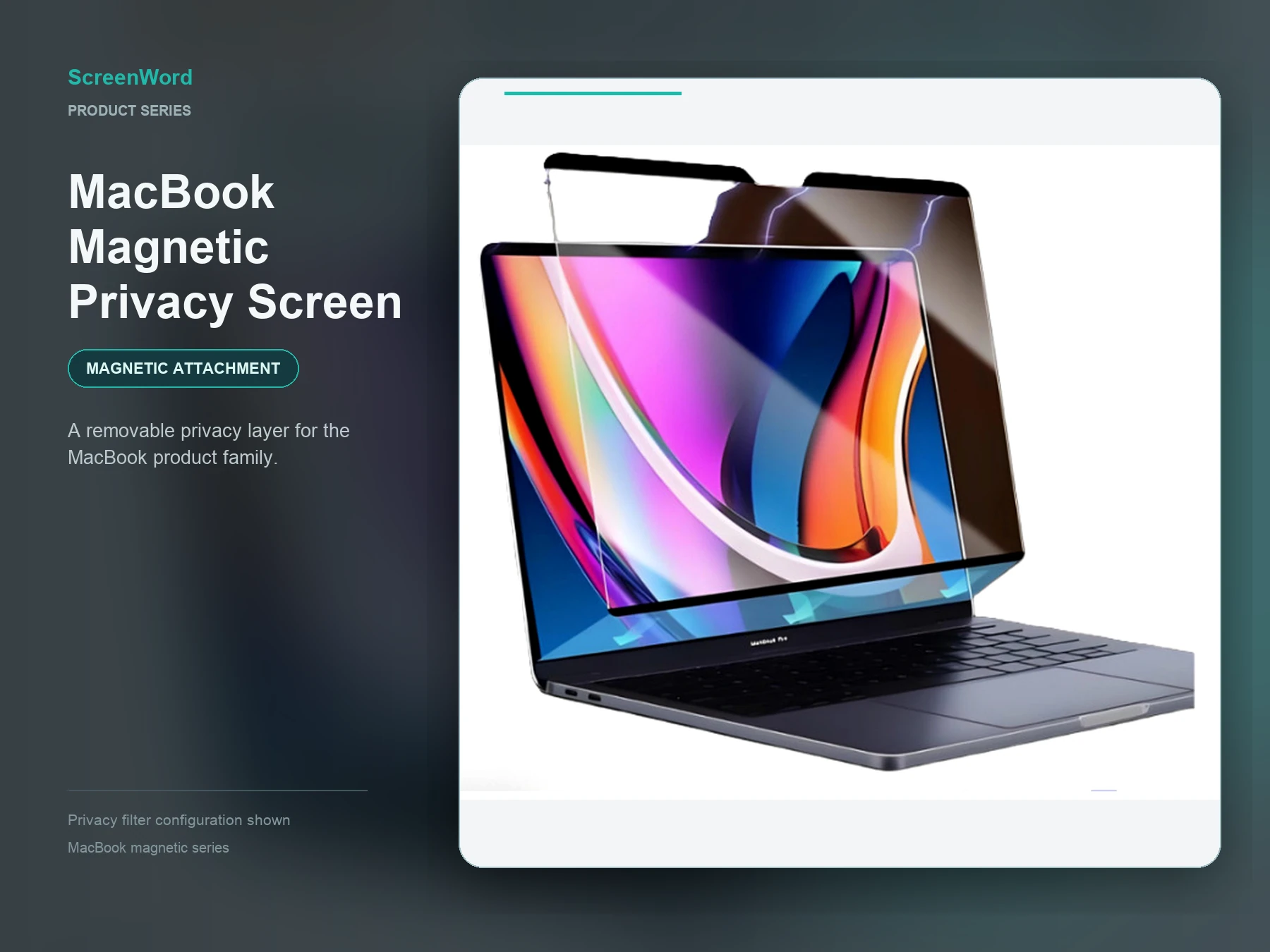 MacBookChoose magnetic, nano-adhesion, static or clip/adhesive-strip options for MacBook. Match the exact model, visible size and device edge before ordering.Explore MacBook
 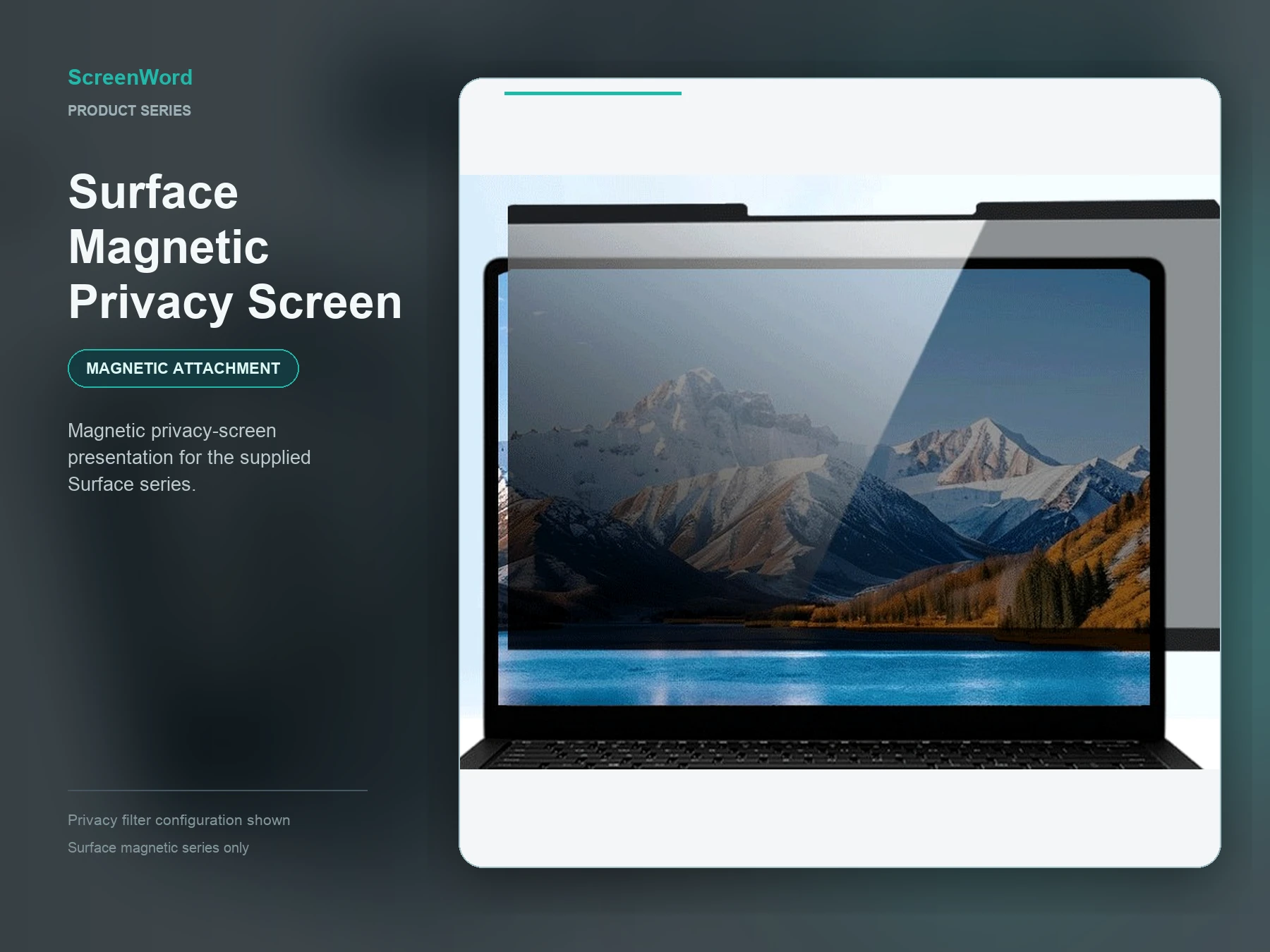 Microsoft SurfacePrivacy filters are available across the Microsoft Surface range and sizes, with magnetic, nano-adhesion, clip/full-adhesive and slide-tab options. Final fit is confirmed from the model, photos, visible dimensions, ratio and edge conditions.Explore Surface
 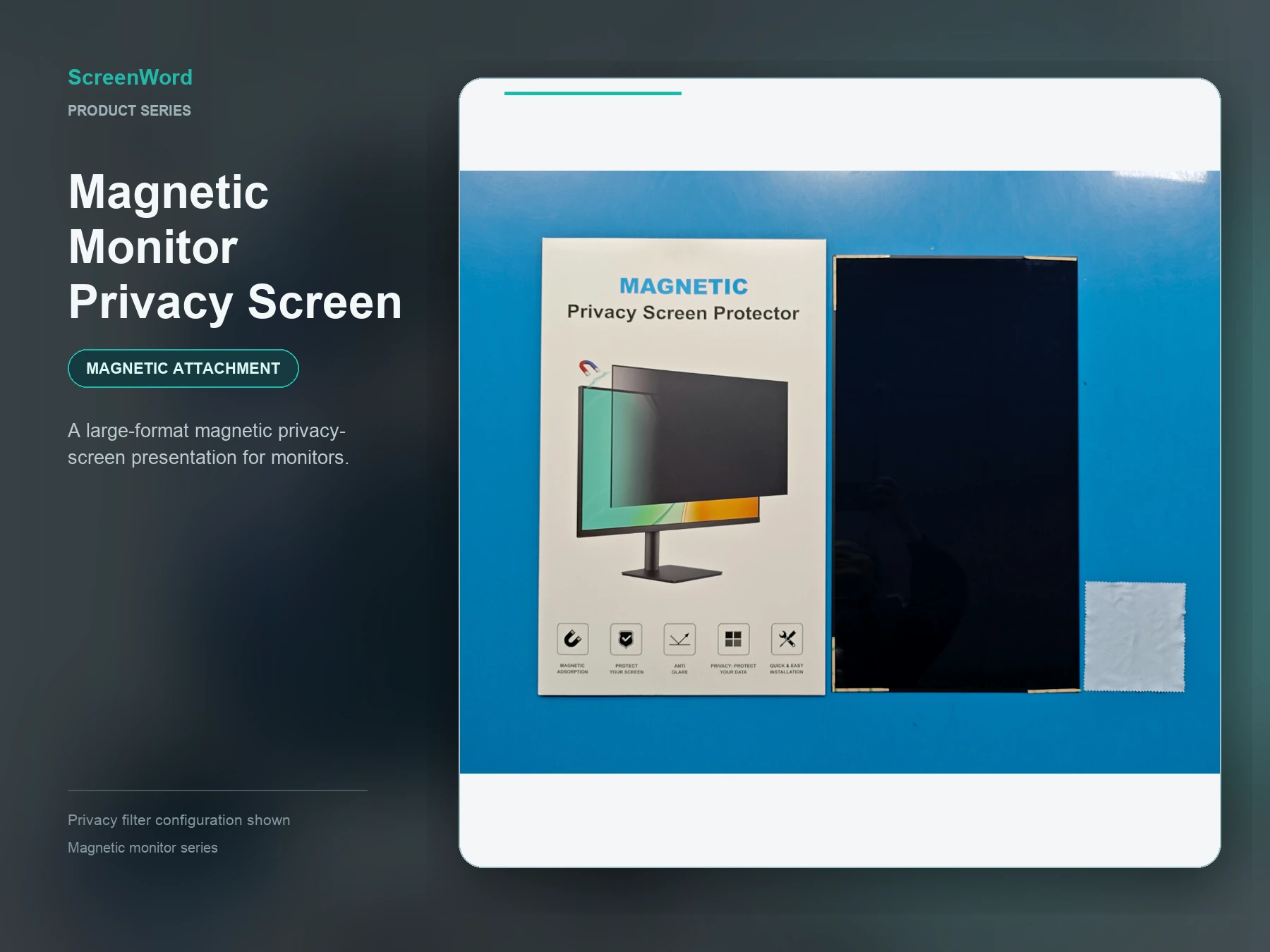 MonitorCompare magnetic, nano direct-attach, clip or full-adhesive and hanging acrylic monitor options.Explore Monitor
 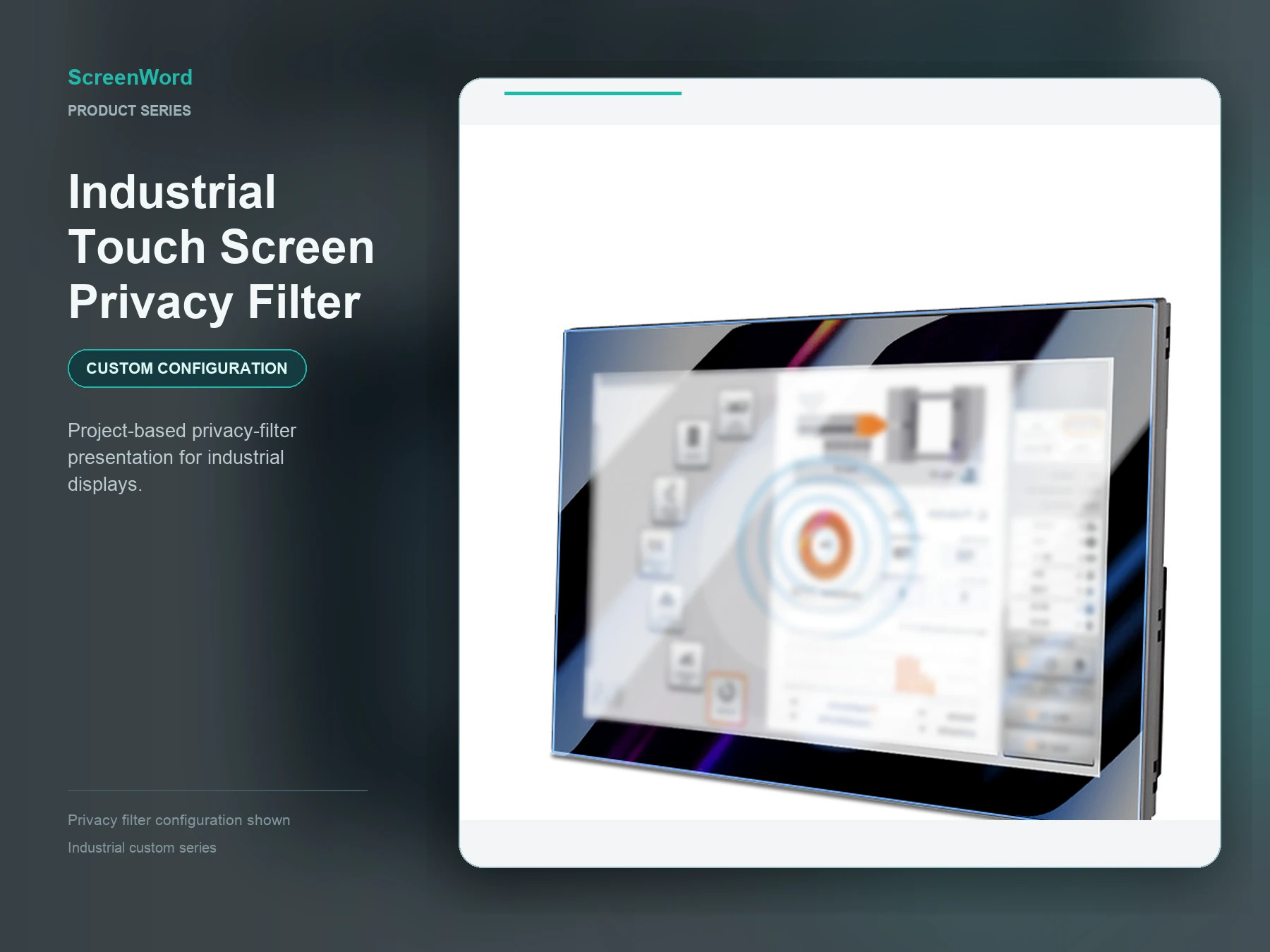 Industrial & Custom DisplayCustom-cut privacy filters for POS, kiosks and industrial displays, with tailored shapes, materials, optical functions, attachment and packaging.Explore Custom Display
 Attachment depends on the device edge, display surface, removal preference and project requirements.
Removable privacy-screen handling for devices with a suitable edge configuration.
A close-contact removable route reviewed against display surface and edge conditions.
A secured installation route selected from device geometry and project needs.
A fixed installation plan reviewed against the display surface and handling needs.
A guided removable route that depends on edge, camera and sensor clearance.
A separate acrylic material and hanging structure for suitable monitor deployments.
Custom geometry, cut-outs and attachment developed from submitted project evidence.
Select the device and installation option, then add visible dimensions, ratio, edge details and quantity. A diagonal size alone does not establish fit.
Name the device or display type and exact model when known.
Record visible width and height in millimetres.
Share the visible screen aspect ratio.
Add a front photo and edge or housing detail.
Choose a preferred attachment or request guidance.
Group sizes and quantities for sample or quotation review.
ScreenWord supports standard sizes, mixed-size schedules, samples and custom size, material, process and packaging requirements.