Dell U2415, P2419H, P2719H and P2417H: different starting sizes
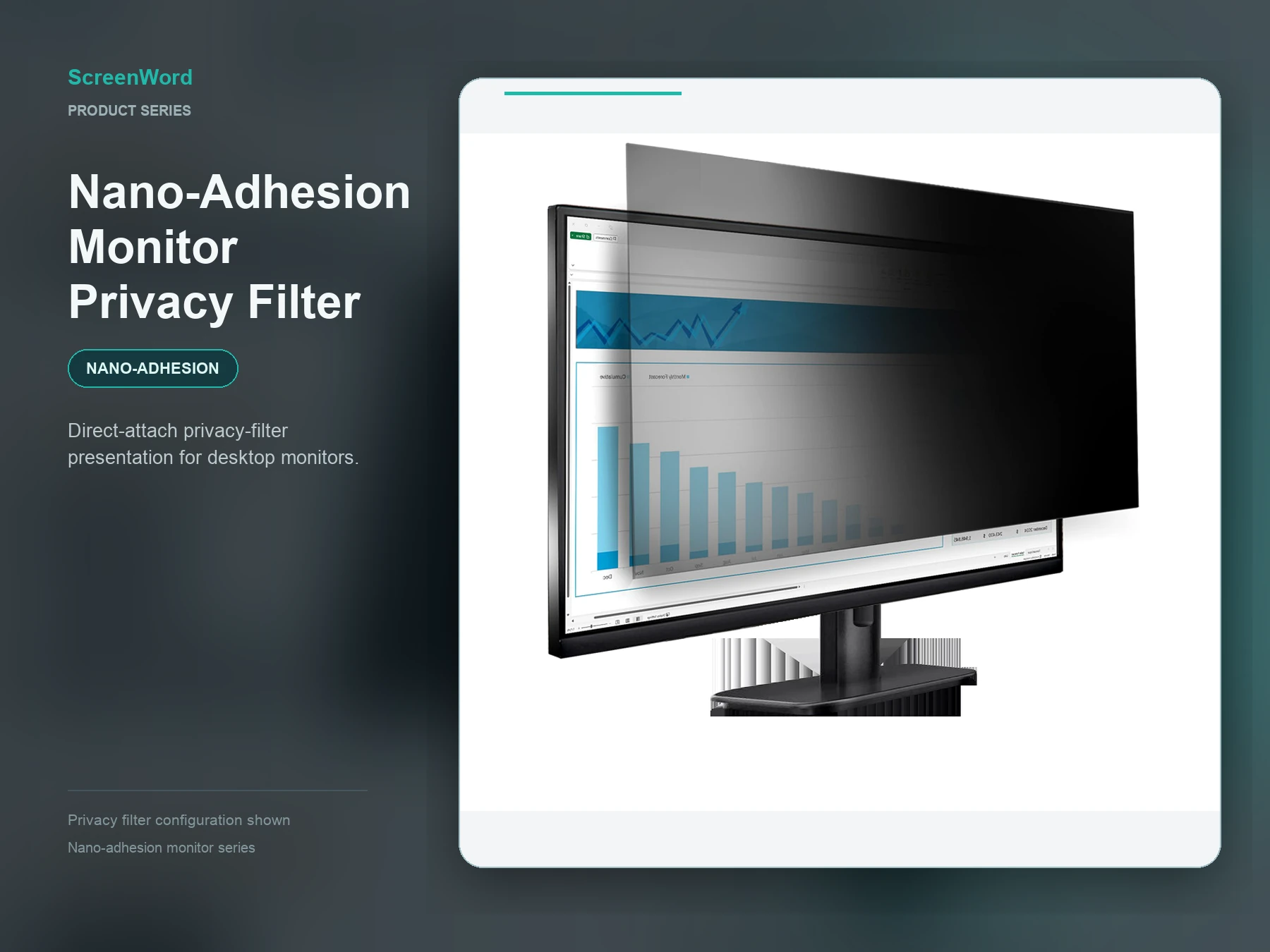
Do not select one privacy-filter size for the Dell U2415 and P2419H just because both are described as 24-inch displays. For those two models, the P2719H and the P2417H, start with the nano direct-attach monitor filter, using a separate size path for each:
| Monitor and display | Starting path | Confirm before ordering |
|---|
| Dell U2415 — 24.1 in, 16:10; visible display area 518.4 × 324.0 mm | The 517 × 323 mm catalog row is smaller than the visible display area. Start with the nano option and discuss a custom-size filter rather than treating that row as an exact match. | Actual visible width and height, planned coverage, final filter dimensions and screen-surface/edge conditions. |
|---|
| Dell P2419H — 23.8 in, 16:9; visible display area 527.04 × 296.46 mm | The 527 × 296 mm catalog row is a standard-size nano option starting point, not a tested fit. | Actual visible width and height, planned coverage, final filter dimensions and screen-surface/edge conditions. |
|---|
| Dell P2719H — 27 in, 16:9; active display area 597.88 × 336.31 mm | The 598 × 337 mm catalog row is a size-selection starting point for the nano option, not a confirmed filter outline or exact fit. | Actual visible width and height, planned coverage, final filter dimensions, and screen-surface and edge conditions. |
|---|
| Dell P2417H — 23.8 in, 16:9; active display area 527.04 × 296.46 mm | The 527 × 296 mm catalog row is slightly smaller than this monitor's active area. Start with the nano option for size review, not as a confirmed filter outline or an assumed shared installation with the P2419H. | Final filter outline, whether coverage includes only the active area or the surrounding border, and the display surface. |
|---|
Visible display area describes the monitor, not the final filter cut size. Request a quote for your monitor groups with each model, its visible measurements and quantity.
Privacy filter starting points for Dell P2219H, U2412M, U2417H and U2419H
These four monitors can start with a nano direct-attach review, but their size and edge conditions lead to different purchasing decisions. Use the exact model rather than treating similar screen sizes as interchangeable.
Dell P2219H: start with a standard-size review
For the 21.5-inch, 16:9 Dell P2219H, start with the nano direct-attach monitor filter and review the standard-size option. This route begins with screen-face contact rather than assuming a suitable magnetic-strip interface. Dell lists an active area of 476.06 × 267.79 mm; ScreenWord's catalog display-area specification is 476.6 × 268 mm. The catalog values are 0.54 mm wider and 0.21 mm taller, so check the finished filter's placement at the edges before selecting it.
Dell's outline drawing gives nominal edge-to-display distances of 5.62 mm at the top and sides and 19.99 mm at the bottom. These are not usable attachment widths. Match the actual contact area and keep the bottom controls accessible; the positive size difference alone does not establish that the filter will fit within the border.
Dell U2412M: resolve coverage before choosing the finished size
For the 24-inch, 16:10 Dell U2412M, keep the nano direct-attach monitor filter as the starting product, with effective coverage checked first. Dell's preset display area is 518.4 × 324.0 mm. The 517 × 323 mm catalog specification is 1.40 mm narrower and 1.00 mm shorter. If those catalog dimensions are also the finished filter's effective privacy area, they cannot cover the entire display.
Confirm the available product's finished outline and effective privacy area with ScreenWord. If it cannot provide the required coverage, discuss a custom privacy filter. Do not substitute a 24-inch, 16:9 size or use Dell's display-area dimensions as cutting instructions. The height difference between the front frame and display surface, the attachment surface and the right-side control buttons also affect placement.
Dell U2417H: check the small coverage gap and contact area
For the 23.8-inch, 16:9 Dell U2417H, assess the nano direct-attach monitor filter through its anti-glare screen-contact area, rather than presuming a usable magnetic-strip or clip interface. Dell's active area is 527.04 × 296.46 mm. The 527 × 296 mm catalog specification is 0.04 mm narrower and 0.46 mm shorter. Have the selected product's effective coverage checked before deciding on the standard option; a small negative difference is not an established tolerance.
Match the contact layer to the anti-glare surface and actual edge-contact area, with clearance for the bottom function and power buttons. This starting point is for U2417H, not U2417HJ or another suffix variant.
Dell U2419H: distinguish border distance from attachment space
For the 23.8-inch, 16:9 Dell U2419H, start with the nano direct-attach monitor filter because its listed border distances do not establish a suitable magnetic-strip or clip interface. Review the actual anti-glare contact area and effective coverage for this model independently. Its 527.04 × 296.46 mm active area compares with the 527 × 296 mm catalog specification: 0.04 mm narrower and 0.46 mm shorter, not an exact-coverage match.
Dell defines the border distances as monitor edge to active area: 5.0 mm at the top, 5.1 mm at the sides and 8.0 mm at the bottom. They are not guaranteed clear widths for magnetic strips, clips or adhesion. Do not carry over installation conclusions from U2417H, U2419HC, U2419HX or U2719D.
Shared installation and ordering considerations
The monitor's visible area, the catalog display-area specification, the finished filter outline and its effective privacy area describe different boundaries. ScreenWord's product review needs to establish the finished outline and effective coverage. Nano contact and safe removal must also suit the actual anti-glare surface; these starting recommendations are not completed installation tests.
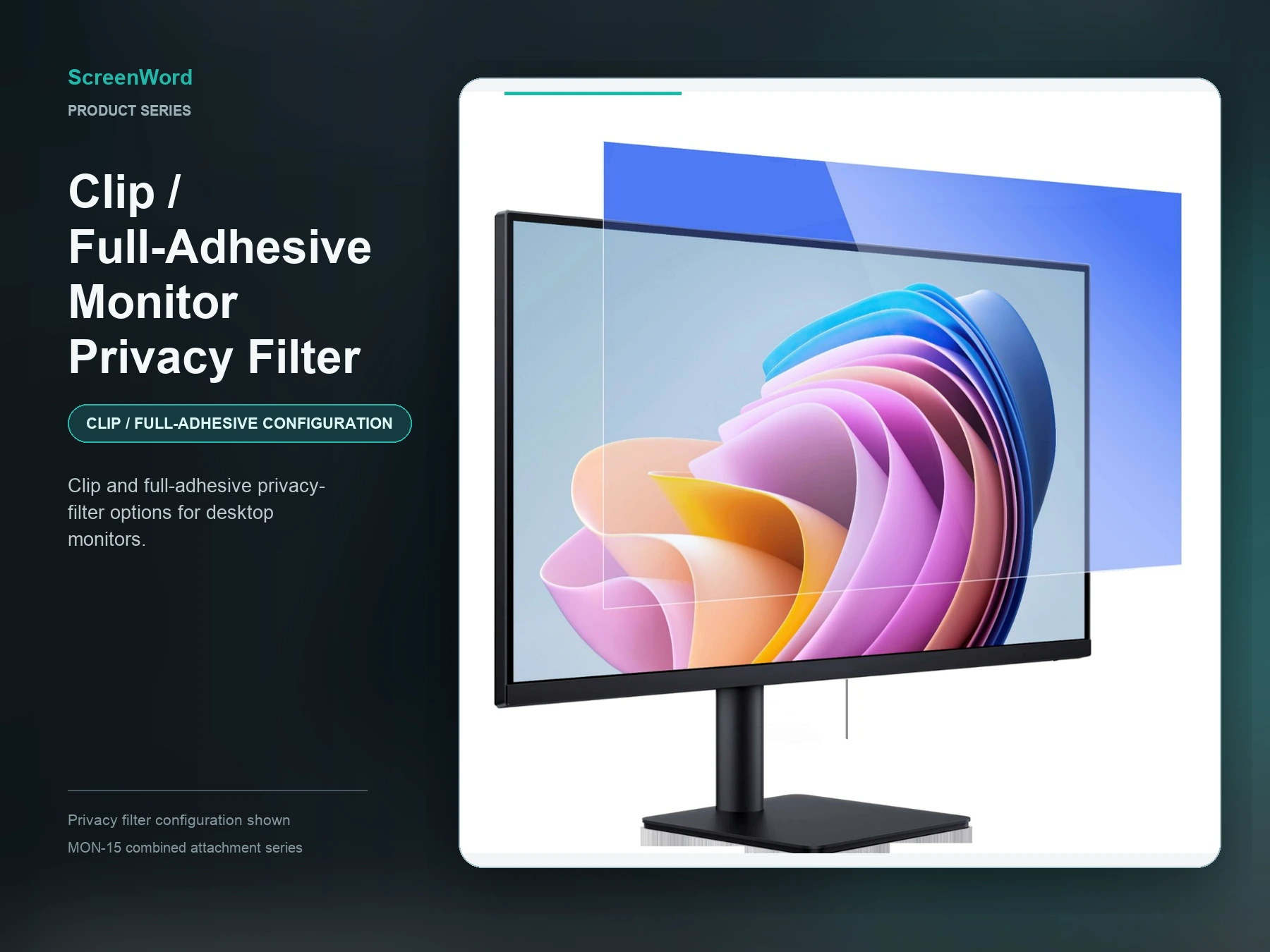
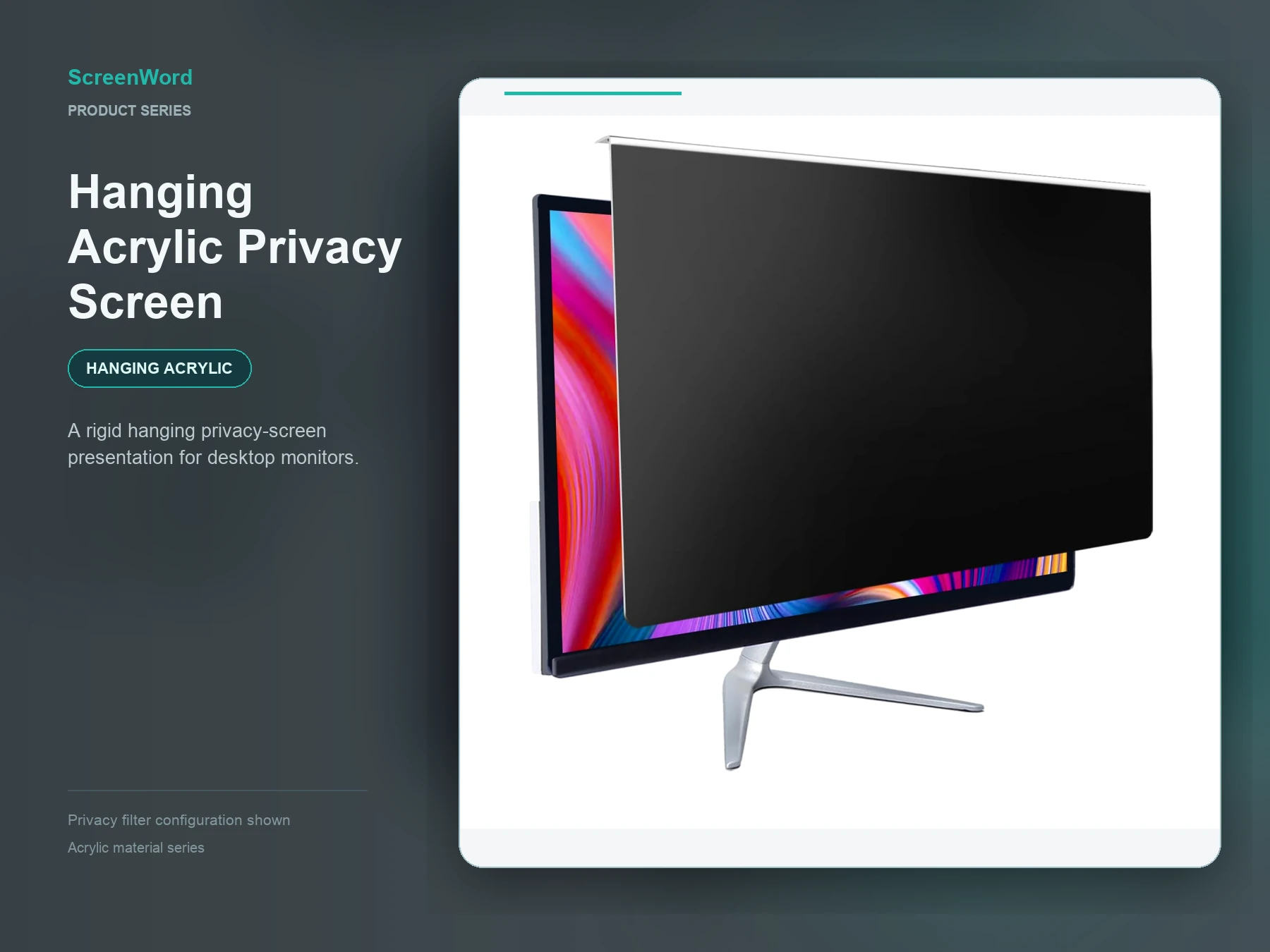
Other routes remain options to discuss: magnetic filters need suitable strip-contact areas; clip or full-adhesive versions depend on their specific gripping or bonding structure; hanging acrylic needs its own panel dimensions and matching top support. PET dimensions and specifications do not establish an acrylic panel's fit or performance. A monitor that rotates also needs the filter's privacy direction and attachment assessed for the intended orientation; rotation alone does not establish equal privacy in landscape and portrait use.
Request a configuration review for your Dell monitor groups with the exact model and suffix, quantity for each model, attachment preference, and landscape or portrait use. If a screen has been replaced or modified, including added touch, describe that change. A text summary starts the discussion; you do not need to resubmit the official display-area specifications listed here.
Dell P2314H, P2317H and P2319H: the same screen size does not mean the same installation
Dell lists all three as 23-inch, 16:9 monitors with a 509.18 × 286.42 mm active area. They can therefore begin with a conditional review of the nano direct-attach monitor filter, but the shared display size does not make one filter a confirmed fit across the three models. ScreenWord's 509 × 286 mm catalog display-area specification is 0.18 mm narrower and 0.42 mm shorter than Dell's active area. It is a review starting point—not a finished filter outline, an allowed tolerance or proof of full coverage.
Dell P2314H: confirm the front surface and control clearance
The reviewed Dell P2314H User's Guide does not give a nominal border width. Before choosing direct attachment, ScreenWord needs to review the front-frame step, the actual flat contact surface and clearance around the lower-right controls separately. Do not substitute a border measurement from another model.
Dell P2317H: nominal border distances are not all usable attachment space
For the base P2317H, the Dell P2317H User's Guide lists 11.4 mm from the monitor edge to the active area at the top, left and right, and 18.1 mm at the bottom. These device distances do not establish that the full width is flat, coplanar or available for adhesion, magnetic contact or clips. This answer applies to P2317H, not P2317HWH.
Dell P2319H: review its narrower three-side condition separately
The P2319H column in the Dell P2319H User's Guide lists 5.40 mm at the top, left and right and 19.86 mm at the bottom. Those distances are not guaranteed clear attachment widths. Review the actual flat contact area and lower-control clearance for P2319H rather than carrying over the P2317H installation conclusion.
Shared sizing and installation limits
Dell's AG/3H descriptions are properties of the monitor surface, not properties of the ScreenWord filter or proof that direct attachment will succeed. The finished filter outline, effective privacy area, contact surface and safe removal conditions require product-side review. If magnetic or clip installation is considered, the model needs the corresponding attachment interface; hanging acrylic requires its own panel dimensions instead of the PET catalog specification. Include landscape or portrait use in the review, because rotating the monitor does not establish the same privacy direction.
If standard coverage or installation cannot meet the requirement, move to a custom privacy filter review. Request a configuration review for your Dell monitor groups with the exact model and necessary suffix, quantity for each model, removal preference, landscape or portrait use, and any modification that affects installation. A text summary is enough to start; you do not need to resend the official display-area dimensions.
Dell P2214H, P2217 and P2217H: choose by exact size and installation condition
The Dell P2217 and P2217H do not use the same size path. The P2217 is a 22-inch, 16:10 monitor with a 473.76 × 296.10 mm active area, while the P2217H is a 21.5-inch, 16:9 monitor with a 476.06 × 267.79 mm active area. The P2214H is also 21.5-inch and 16:9, but Dell lists its active area as 476.06 × 267.78 mm. All three can begin with a conditional review of the nano direct-attach monitor filter, using the correct size reference and installation conditions for each model.
Dell P2214H: review the front surface and lower-right controls
The Dell P2214H User's Guide lists a 476.06 × 267.78 mm active area. ScreenWord's 476.6 × 268 mm catalog display-area specification is 0.54 mm wider and 0.22 mm taller, so it is a size-review starting point rather than a confirmed finished-filter size.
Dell's guide does not state nominal border widths for this model. The front-frame step, flat contact area and clearance around the vertically arranged function and power buttons at the lower right therefore need to be reviewed separately before direct attachment is selected.
Dell P2217: use the 22-inch, 16:10 size path
For the base P2217 without the H suffix, the Dell P2217 User's Guide lists a 473.76 × 296.10 mm active area. ScreenWord's 475 × 297 mm catalog display-area specification is 1.24 mm wider and 0.90 mm taller. That 22-inch, 16:10 reference is the correct starting path; it is not interchangeable with the P2217H's 21.5-inch, 16:9 reference and does not by itself confirm finished-product stock.
Dell lists 16.8 mm from the top edge to the active area, 14.8 mm at the left and right, and 17.5 mm at the bottom. These are nominal device distances, not guaranteed flat attachment widths. The actual contact area, front-frame step and clearance around the horizontal controls at the lower right still affect placement. This answer is for P2217, not P2217Wh.
Dell P2217H: keep its 21.5-inch path separate
The P2217H column in Dell's monitor user guide lists a 476.06 × 267.79 mm active area. ScreenWord's 476.6 × 268 mm catalog display-area specification is 0.54 mm wider and 0.21 mm taller. This is a conditional size-review starting point, not an allowed tolerance or proof of full-screen coverage.
Dell lists 11.4 mm from the top, left and right monitor edges to the active area and 18.1 mm at the bottom. Those distances do not establish a usable flat attachment width. Review the actual contact surface, front-frame height and clearance around the horizontal lower-right controls for P2217H itself rather than carrying over the P2217 installation decision.
Shared sizing and ordering limits
The monitor active area, ScreenWord catalog display-area specification, finished filter outline and effective privacy area are different boundaries. A positive catalog difference does not establish a fitting tolerance or prove that the filter will fit inside the front frame. Dell's anti-glare and 3H descriptions apply to the monitor surface; they are not ScreenWord filter specifications or guarantees of attachment or removal performance. ScreenWord should confirm the finished outline, effective privacy area, contact surface, frame step and control clearance for the selected configuration.
Magnetic, clip or adhesive, and hanging acrylic routes are not ruled out simply because nano direct-attach is the starting review here. Each depends on its own attachment structure, and a hanging acrylic panel requires its own dimensions rather than PET catalog dimensions. If an available finished product cannot meet the required coverage or contact conditions, move to a custom privacy filter review.
Request a configuration review for these Dell monitor groups with the exact model and any relevant suffix or modification, quantity by model, removal preference, and installation conditions that differ from the standard device. Mention landscape or portrait use when orientation affects the requirement. A text summary is sufficient; there is no need to resubmit the official active-area dimensions listed above.
Privacy screen selection for Dell P2213, Samsung S24E450 and Dell U3419W
For IT teams and resellers, choose the installation route and exact monitor version together. These three models need different size or surface assessments, even when a catalog size looks close.
Dell P2213: start with 22-inch, 16:10 options
For a Dell P2213 privacy screen, assess magnetic attachment for frequent removal or nano direct attachment for a screen-contact installation. Use the 22-inch, 16:10 size path, not a 21.5-inch, 16:9 substitute. The P2213 column in Dell's monitor user guide lists a 473.8 × 296.1 mm display area. Our 475 × 297 mm catalog display-area reference is slightly larger, so the finished outline and edge clearance still need checking. Magnetic attachment needs suitable three-side contact space; nano attachment needs a suitable contact surface, including consideration of the existing anti-glare coating or film.
Samsung S24E450: identify the full suffix first
For the S24E450B, model code LS24E45KBSV/EN, start with 24-inch, 16:9 magnetic or nano options according to removal preference. Samsung lists a 531.36 × 298.89 mm active display area. Our 531 × 299 mm catalog reference is 0.36 mm narrower; that difference is not an established tolerance or a full-coverage guarantee. Resolve the finished size and contact arrangement before selecting the standard option, with a custom size if needed. This guidance covers that B configuration only: identify other S24E450 suffixes separately rather than carrying over its dimensions.
Dell U3419W: start with a curved-screen PET assessment
For a Dell U3419W privacy screen, begin with a flexible PET nano direct-attach assessment and a curve-specific outline, not a standard flat panel. Dell's U3419W user guide describes a curved display with a 799.80 × 334.80 mm active area. Our 798 × 335 mm catalog reference is 1.80 mm narrower. Coverage and contact along the curve therefore need assessment before ordering; flexible PET alone does not establish fit, edge adhesion or privacy performance. Use the custom privacy filter service for this model-specific review.
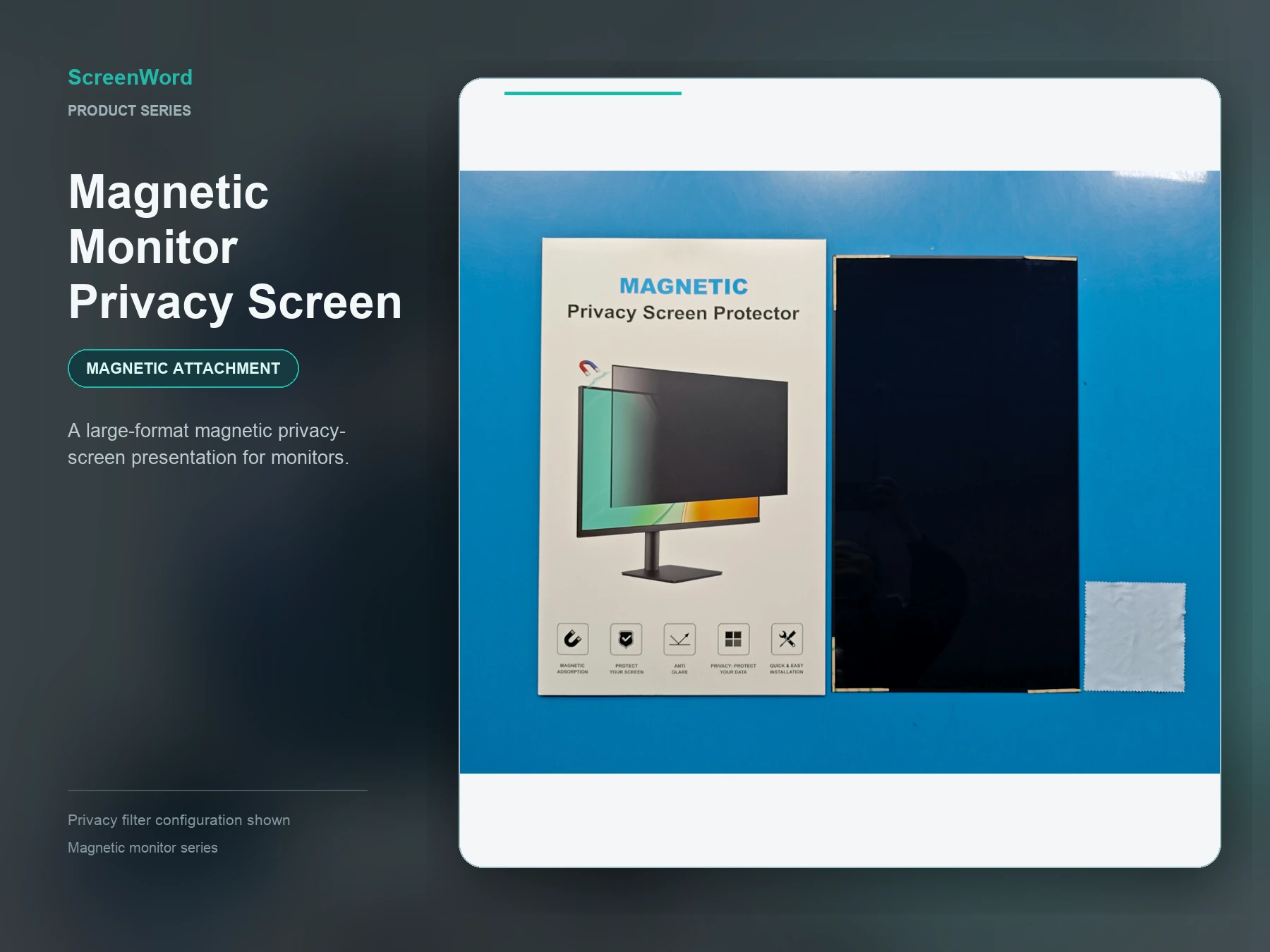
Compare the magnetic monitor privacy screen and nano direct-attach monitor filter for the applicable starting routes above. Catalog display-area figures are not finished-filter outlines or effective privacy areas.
Request a quote for these monitor models with the full model or suffix, quantity per model, installation preference and any existing film or add-on accessories affecting contact. We use the available specifications first and request only installation details still needed for your selection.