
Custom size and shape
Provide visible dimensions, shape, aspect ratio and a device photo or drawing.
Retail and POS solution
Specify a custom PET privacy-filter request for POS and retail displays by sharing visible dimensions, touch use, attachment, function and quantity.
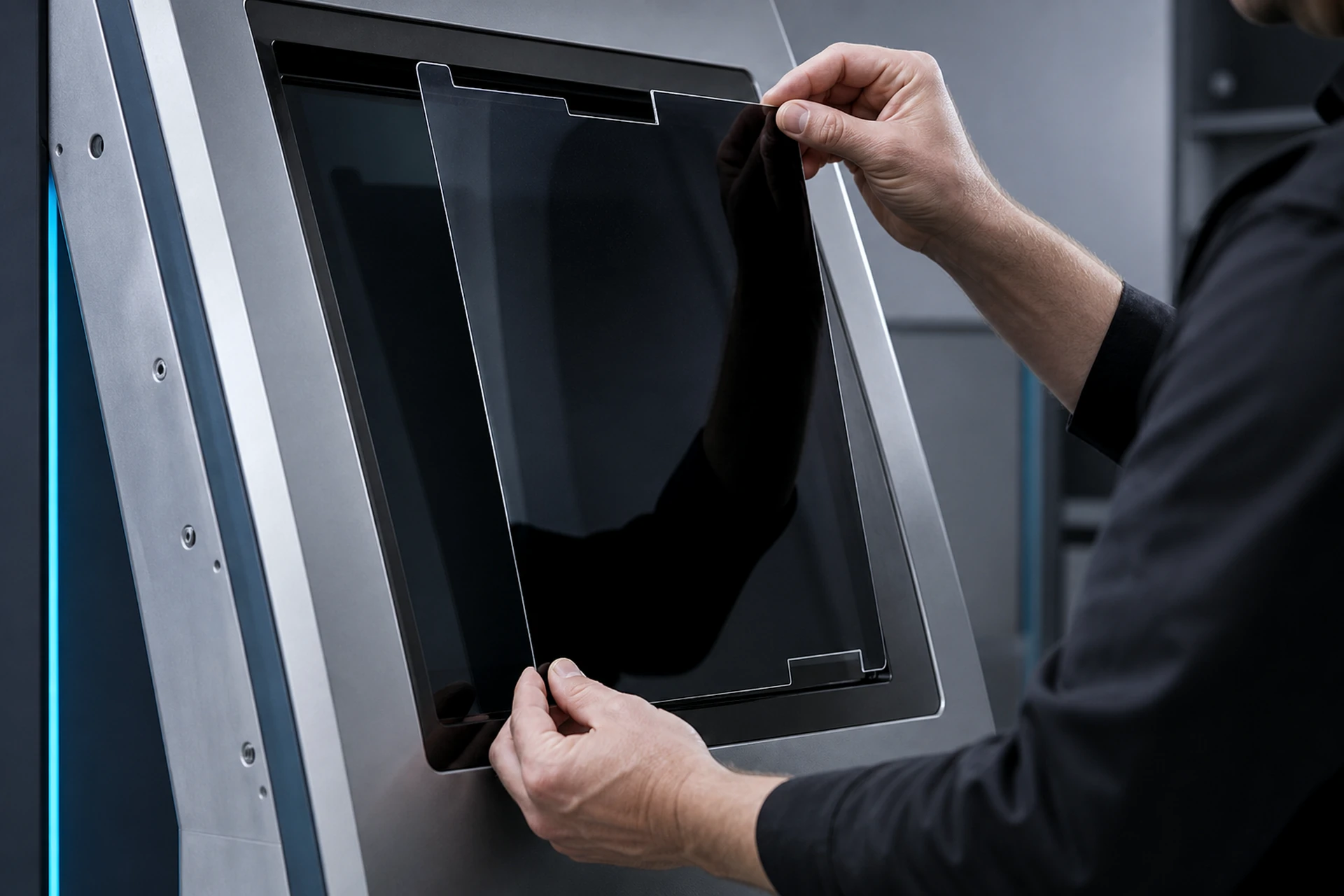
Deployment flow
Specify the display at the point where customers see, touch and pay.
Identify the POS, payment or self-service interface.
Record touchscreen use and installation constraints.
Share dimensions, quantities and sample needs.
The page supports project specification using display measurements, operating requirements and available evidence.
Provide visible dimensions, shape, aspect ratio and a device photo or drawing.
Describe touch use and customer-facing operation for configuration review.
Share edge constraints, quantity, mixed display groups and sample needs.
Dimensions, attachment and material are matched to the actual display and rollout requirement.
Describe POS, payment or self-service equipment.
Provide visible width, height, ratio and device evidence.
Share touchscreen use and attachment constraints.
Include quantity, mixed sizes and target timing.
Secure inquiry
Provide the application, dimensions, touch use, configuration preference, quantity and target timing.
Answers remain scoped to device measurements, configuration and reviewed product data.
Touchscreen use can be evaluated for applicable configurations and is confirmed against the selected display and attachment. During a sample review, use the intended POS terminal with the proposed attachment method. Try only the taps, swipes, or signature actions used in its real workflow. Check frequently used buttons, edge interactions, and screen readability from normal working positions. Record any issues against the device model and configuration, then discuss the sample findings.
Yes. A drawing or clear photo supports review alongside visible display measurements.
A project sample can be discussed after the display and configuration requirements are reviewed.
Yes. Provide each display group, dimensions, quantity and deployment requirement.