
B2B Privacy Filter Procurement
How to Compare Privacy Filter Samples from Different Suppliers

Compare privacy filter samples on the same device and task, then review attachment, included parts and quotation scope without assuming equivalence.
Compare privacy filter samples one at a time on the same intended device, using the same ordinary work task, display settings and observer positions. Record what changes in viewing, attachment and handling, then compare the parts and commercial scope behind each sample. Matching material names alone do not establish an interchangeable product.
If you already use an accepted configuration, include it as the reference. The aim is to identify whether an alternative suits the same job, what would change for users and purchasing, and which question needs resolving before a supplier change.
Make the sample comparison fair
Use the same intended device and application
Choose the actual device configuration the alternative would serve. Keep its existing case, keyboard and any retained screen layer recorded and unchanged. Use the same application, non-sensitive content, text size, brightness setting and screen orientation for both samples.
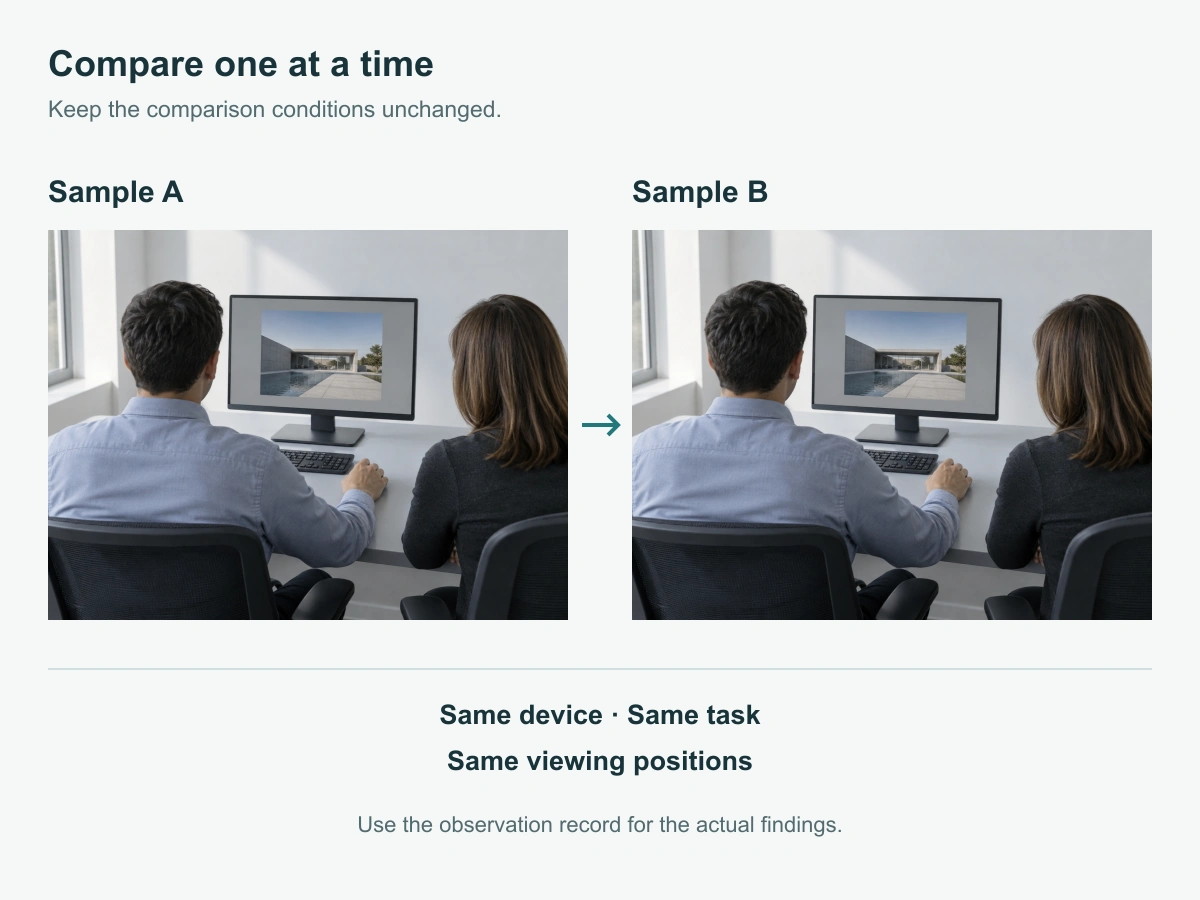
Keep the room lighting and device position stable. Mark the intended user’s position and the relevant adjacent observer positions so neither sample benefits from a different setup. A screen photograph taken from another seat or with different exposure is not a comparable viewing record.
Check that the ordinary task works on the baseline device before fitting either candidate. Compare samples sequentially, not stacked on the screen. If an attachment cannot be removed as part of its documented use, agree a safe comparison arrangement with the supplier before starting; do not improvise removal to complete the exercise.
Identify each sample without assuming matching material names prove equivalence
Use Sample A and Sample B in the observation sheet, while retaining the supplier and exact product reference in your purchasing record. If A is the currently accepted configuration, state that there. Anonymous labels organize the comparison; they do not turn it into a formal blinded trial.
Keep each sample’s installation instructions, offered function version and supplied components with its reference. Two products described as PET can still have different outlines, attachments, finishes or offered functions. Record those differences rather than assuming that a shared material name settles the substitution.
Before observing either sample, complete the shared setup record below. Actual device details and observations are left for the people doing the comparison.
| Shared setup field | Actual details for this comparison |
|---|---|
| Device model and device reference | |
| Application, ordinary task and non-sensitive content | |
| Display settings, orientation and room lighting | |
| User and adjacent observer positions | |
| Retained screen layer, case and other accessories | |
| Sample A product reference and role as current or candidate configuration | |
| Sample B product reference and role as current or candidate configuration | |
| Installation instructions, operator and comparison date |
Compare the visible and usable differences
Read the same non-sensitive content from the intended work position
Use a task that reflects the purchase requirement, such as reading a document, selecting a control or reviewing a spreadsheet. Ask the user to work from the normal posture first. Record any need to lean, change screen position or enlarge the content, rather than adjusting the setup for one sample without noting it.
From the marked adjacent positions, describe what content the observer can identify. Use the same task content for A and B. Keep the intended user’s readability separate from the adjacent-view observation: a darker front view is not, by itself, a better result.
If touch or pen input is part of the job, repeat the same required action on the same device and input setup. Add only relevant tasks. Do not turn this focused comparison into a claim about every user, application or device family.
Compare documented removal, contact and supplied accessories
Follow each sample’s own instructions and record where its attachment meets the device. If the products use different attachment methods, that is a meaningful configuration difference, not a reason to force them through an identical installation sequence.
Compare the handling task they must support. For a removable filter, this could include taking it off for a shared discussion and storing it as instructed. For a configuration intended to stay installed, record how the sharing requirement would be handled instead.
Use the table for one A/B comparison. Observation cells and the offer-difference column are intentionally empty for actual findings. Record qualitative use in the A/B columns and quotation or document details in the last column; a quoted claim is not an observed result.
| Check | Same condition or task to use | Sample A: actual observation | Sample B: actual observation | Written-offer scope or difference to record |
|---|---|---|---|---|
| Front working view | Same device, document, settings and user’s normal position | |||
| Adjacent viewing | Same content and marked observer positions | |||
| Coverage and device access | Same device edges, controls and required openings | |||
| Attachment contact | Same device; each sample installed according to its own instructions | |||
| Required input action | Same control or writing task and input device, if applicable | |||
| Sharing and removal routine | Same work requirement; only removal permitted by each product’s instructions | |||
| Storage and supplied parts | Identify the parts actually received with each sample | |||
| Production package and replacement items | Compare the written scope associated with each sample reference |
Stop an unsuitable attachment rather than force it to fit
Stop if the candidate obstructs a required control, cannot sit as instructed, or needs force or an unapproved modification. Record the affected area and the task you could not complete. Leave later observations unperformed rather than assigning a result to a setup that was never used correctly.
Do not trim, bend, add adhesive or substitute fittings to make an unsuitable sample appear comparable. Ask whether a revised configuration is appropriate. If it changes, record the new sample reference and repeat the affected checks using the same baseline.
Compare the scope behind each sample
Included parts, packing and the matching written offer
Check whether the production offer supplies the same configuration and parts as the sample. A sample may arrive in evaluation packaging, and a storage accessory may have been supplied separately. Record the actual sample contents and the quoted production contents independently.
Compare the quantity basis, packaging, replacement-part availability, lead-time basis and payment terms in the matching written offers. Thomas’s procurement checklist supports defining requirements before comparing quotations and commercial terms. It does not establish that two products are technically equivalent.
For a ScreenWord request, use bulk privacy filter purchasing to discuss the intended order scope. Use the custom project route when the alternative needs different coverage or another project-specific configuration.
Keep unsupported claims separate from observed use
Distinguish what the operator saw, what the supplier states and what a relevant report supports. A user observation can describe readable text or a difficult removal action. It cannot establish a transmission percentage, durability rating or certification.
If a technical requirement matters, ask which offered configuration the specification or report covers and what conditions apply. ScreenWord’s quality and capabilities page provides a route for that specification discussion. Keep an unanswered requirement open instead of filling it with an assumption based on the product name.
Choose a candidate for qualification
Document the difference that matters to the buyer
Base the next step on the task, not a generic overall winner. Identify the difference that would affect adoption: user readability, access to a control, removal routine, included parts or a change in the quoted package. Record whether to continue with the current configuration, request a revised sample, or take the candidate into the buyer’s next qualification step.
If proceeding with an alternative, retain the exact sample reference and the differences accepted for that device and task. Carry them into the written specification so the production offer does not quietly revert to a different attachment or package. The mixed-size order guide explains how to keep sample decisions connected to the final order without repeating that reconciliation here.
A sample comparison is not a certification or a company-wide user pilot
This comparison supports a decision about the named candidates under the conditions recorded. Broader deployment, specialist performance requirements or additional device groups may need further work under the buyer’s own process. Describe that next step once, with the exact unresolved question, rather than treating a favorable observation as blanket approval.
Request a Quote with the device, candidate configuration, meaningful difference, quantity and open question. Paste the summary into the form. Share the A/B record and supporting photos separately through the WhatsApp, Telegram or WeChat options provided on the site.