
B2B Privacy Filter Procurement
How to Choose a Privacy Screen Supplier for a Business Order

Build a privacy filter supplier shortlist using business identity, product traceability and documented responses, not unverified factory claims.
Choose a privacy screen supplier by comparing how well its offer covers your actual order: the devices, installation, included parts, packaging and delivery needs. Then use a focused question to see how the supplier handles an unresolved detail. A large catalog or an attractive unit price is useful only when the proposed supply fits the job.
Start with the same buying request for every candidate. Keep the replies beside one another, resolve missing scope and verify the business behind the offers you would seriously consider. There is no need to award points for brochure length or the number of certificates attached.
Start with the order you actually need
Standard filters, device-specific installation or custom parts
Describe the purchase in a short paragraph before searching for suppliers. State whether you need standard filters, an installation option for named devices, custom-cut parts or a private-label range. Add the intended use, quantity, attachment preference and packaging destination: an IT installation team, employees or resale customers.
Separate essentials from preferences. Regular removal may be essential for employees who share their screens, while a particular package color may be optional. For a custom part, a drawing reference is more useful than a general request for “OEM quality.” You do not need to reproduce every measurement in the shortlist; refer to the device or specification record already prepared.
Shortlist suppliers whose offered scope matches that work
Ask each candidate to identify the product or proposed configuration it would supply, what is included and what still needs clarification. Keep alternatives separate from the requested offer. A supplier offering a different attachment should explain the practical change rather than silently quoting a substitute.
For ScreenWord, the manufacturing capabilities and custom-cut privacy filters and OEM supply pages identify the relevant production and customization scope. Use the offered product and packaging details to decide whether that scope fits your purchase.
Use the comparison below with the same request revision for every supplier. Record each supplier’s name and quotation or reply reference alongside your findings, then identify any missing item and the next action needed.
| Order requirement | Compare across shortlisted suppliers | Treat as missing when | Next step |
|---|---|---|---|
| Device and installation scope | Offered product reference, attachment and any proposed alternative | The reply repeats a size or family name without identifying the offered configuration | Ask which item is quoted and which device detail remains open |
| Complete usable set | Filter, required attachment parts and instructions included in the price | “Accessories included” does not identify the contents | Request a named contents list for the quoted set |
| Quantity and packing | The same filter quantity, pack format and labeling scope | One offer assumes bulk packs and another individual packs | Obtain both offers on the requested packing basis |
| Commercial and delivery scope | Currency, separate charges, payment terms, dispatch basis and destination coverage | Freight, setup work or the delivery endpoint is unstated | Ask for the missing charge or inclusion before comparing totals |
| Support for an open question | Direct answer, specific missing input and proposed next action | A general compatibility statement replaces the answer | Return the same focused question to that supplier |
| Repeat-order continuity | How the supplier identifies the supplied version and handles a later change | A reorder relies only on a product photo or chat description | Ask how the quoted configuration will be referenced next time |
Retain candidates that cover the essentials or explain a workable way to resolve them. Set aside offers that omit an essential requirement after clarification. A clearly stated limitation is more useful than an unexplained “yes.”
Compare like-for-like offers
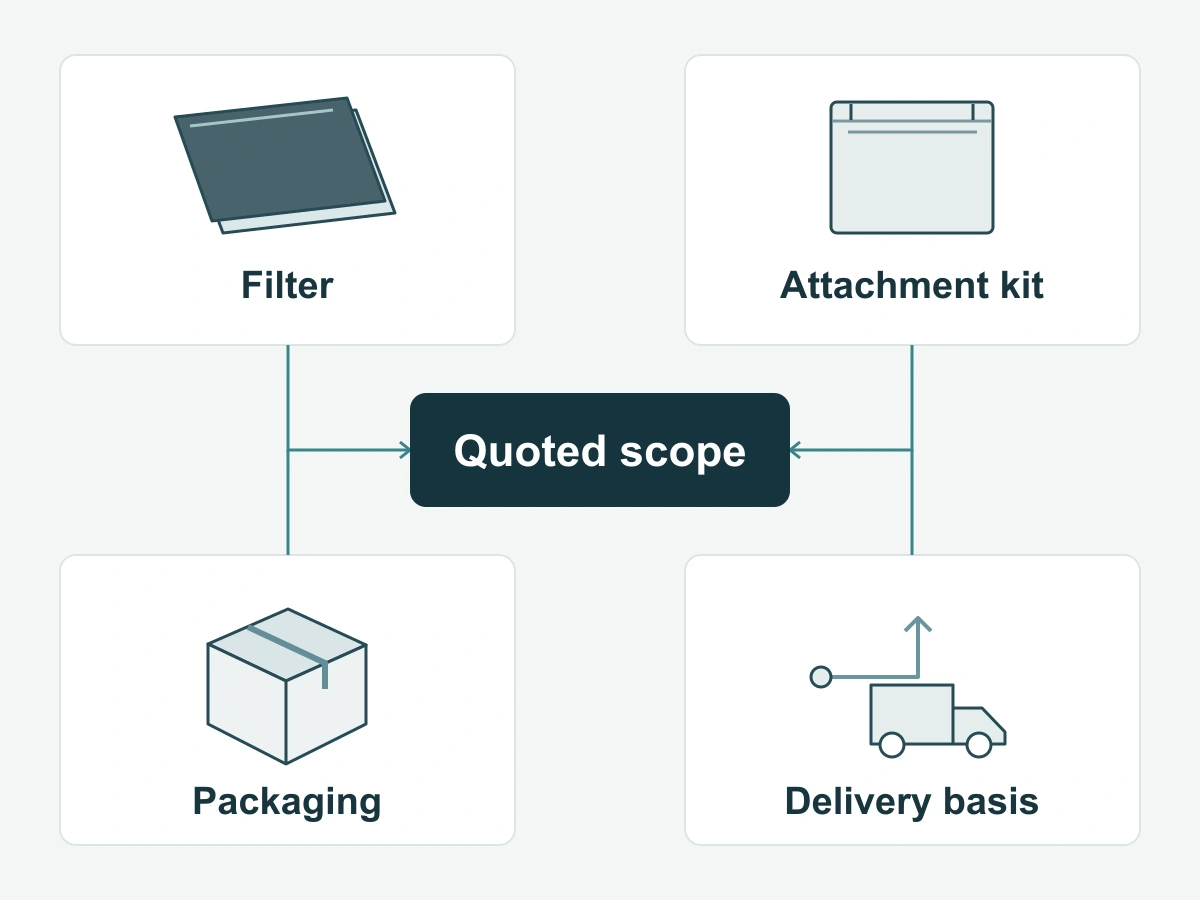
Match quantities, included attachments, packaging and delivery basis
Before comparing price, align the unit being sold. A filter alone, a filter with its attachment kit and an individually packed retail set are different offers. Ask whether sample, artwork, setup, packing and freight charges are included or listed separately, where applicable.
Keep the delivery endpoint explicit. A proposed dispatch date and a requested arrival date answer different questions. Ask what the quoted shipping arrangement covers and what the buyer must arrange. Record quotation validity and payment conditions with that offer, not from a supplier’s general website text.
Thomas’s procurement checklist likewise recommends defining needs, comparing quotations and checking commercial terms. For this purchase, the useful comparison is the cost and scope of the set you can actually order.
A low unit price with missing components is not a comparable offer
If one offer omits a required attachment kit, request an updated complete-set quote. Do not add an estimated kit cost of your own and present that total as the supplier’s offer. The same applies to branded packing, sample work or freight that has not been priced.
A supplier can still be worth considering while a charge is open. Keep its price marked as incomplete until the missing item is answered. Once a supplier is selected, the mixed-size order guide explains how to reconcile device groups with quotation and order lines.
Use one small request to assess support
Ask how the supplier resolves a stated fit or configuration ambiguity
Choose one real ambiguity from the order. For example, if employees need frequent removal but the attachment has not been selected, ask:
Which attachment would you propose for this device and removal routine? Which edge detail do you need, and what would be included with the proposed filter?
A useful answer names an option, explains the missing detail and offers a next step. If a sample is suggested, ask which question that sample is meant to resolve. ScreenWord’s quality and capabilities page outlines the size, attachment and packaging information relevant to that discussion.
Compare clarity and completeness without inventing response-time scores
Read the reply against the question asked. Did it address removal, identify the proposed item and distinguish known details from those still open? Could another person on your purchasing team understand the next action?
Also ask who handles a missing component or a fit discrepancy after receipt, and what order reference they would need. Agree support expectations appropriate to your rollout rather than assuming that a quick initial message predicts future service. Record actual communications; do not assign made-up response-time grades.
Verify the shortlisted business
Check identity and capability claims at their source
Check the business name on the quotation against the supplier’s published company information and the party named in the proposed transaction. Ask for an explanation of any different entity involved. Where your purchasing process requires a registration or certificate, verify it through the relevant issuing source rather than relying only on a logo.
For a capability that matters to this order, ask for information tied to the proposed product or process. A general factory image does not identify the material version in a quotation. A report for a different item does not answer a product-specific performance question.
Keep unknowns visible before committing
Finish the shortlist with a short decision for each candidate: proceed to a sample or complete quotation, resolve a named gap, or set aside because an essential need is not covered. Keep the reason and reply reference together so a colleague can follow the choice.
To discuss supply with ScreenWord, Request a Quote with the device or product requirement, quantity, attachment preference, packaging needs and the question you want answered. Paste a summary into the form. Send supporting drawings or files separately through the contact options provided on the site.