
Microsoft Surface Privacy Screens
Microsoft Surface Privacy Screen Fit and Installation
Prepare a Surface privacy-screen request using the exact model, visible width and height, ratio, edge conditions and magnetic, nano, clip or slide-tab installation.

Surface devices include different product families, formats and installation conditions. A reliable Microsoft Surface privacy screen fit review therefore starts with the exact model, visible display measurements and the edge or housing details that affect installation.
ScreenWord can review privacy-screen requirements across the full Microsoft Surface series, full size range and multiple installation methods. Final fit is confirmed from the exact model, device photos, visible display measurements, aspect ratio and edge or housing conditions.
This guide helps a buyer prepare a Surface Pro, Surface Laptop, Surface Go or other Surface request for comparison, sampling and written confirmation.
Confirm which Surface request you have
Surface Pro, Surface Laptop, Surface Go or another model
Record the product family and exact model information. Surface Pro, Surface Laptop and Surface Go should not be grouped only because they share a brand. Their display format, edge conditions, keyboard or kickstand context and installation routine can differ.
For a fleet, create one group per exact model or per set of devices with confirmed matching visible dimensions and installation conditions. Record quantities and whether users need regular removal, screen sharing or an always-on filter.
Exact model and device photos
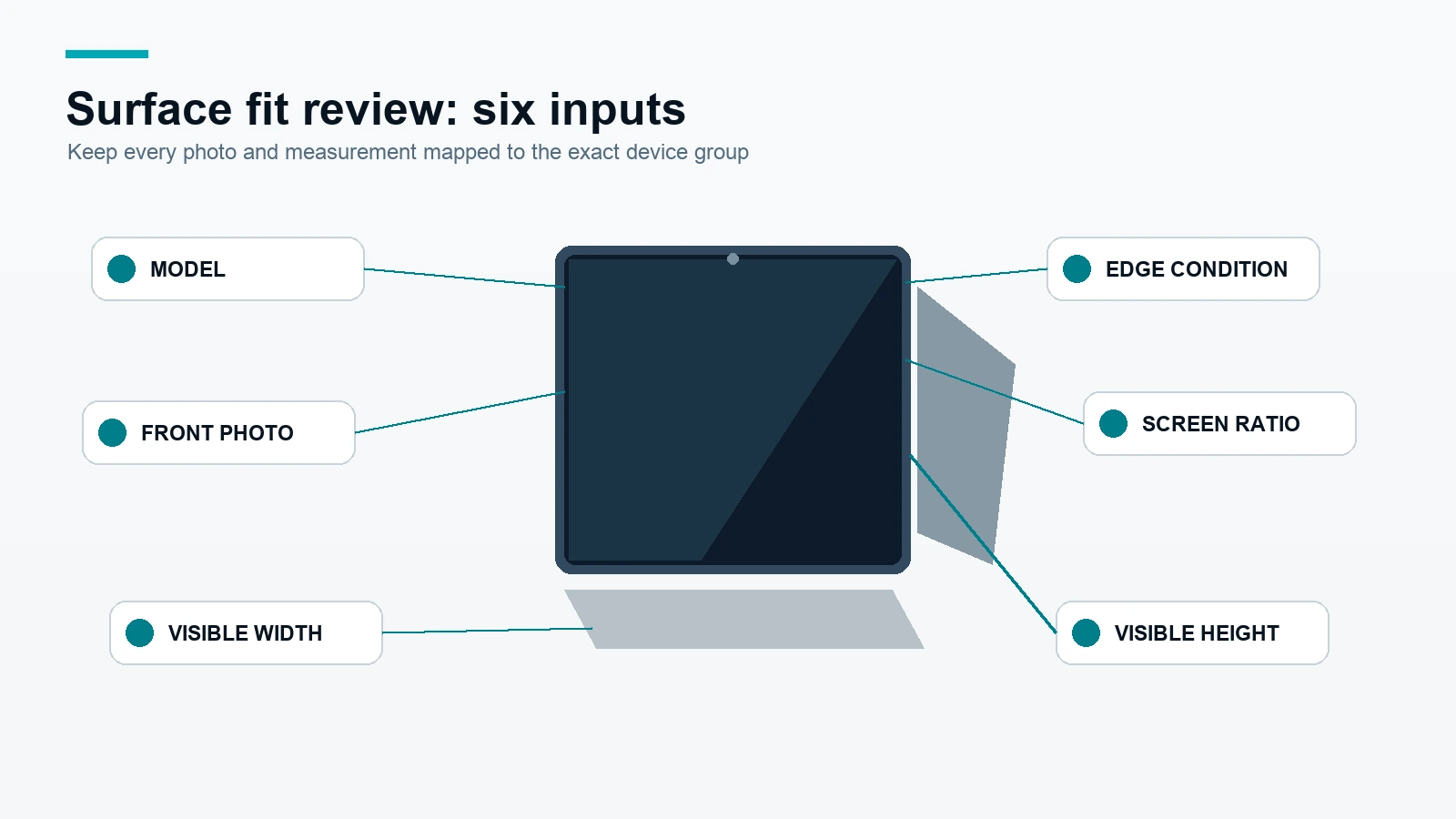
Send the model information shown in the buyer’s device record and add a front photo. Include an edge, housing, keyboard or kickstand photo when those features may affect the filter position or attachment.
A photo supports fit review but does not replace visible width, height and ratio measurements. Keep each photo mapped to the correct model group.
Add-on filter versus integrated privacy display
This guide concerns add-on privacy-screen products placed over an existing Surface display. If a project concerns an integrated display or a special enclosure, describe that separately so the product and evidence scope remain clear.
Use the Surface privacy screen category to orient the request, then prepare the visible-area measurements before comparing methods.
Measure visible width, height and ratio
Measure the visible area
Measure the active visible display width and height in millimeters. State whether the measurement is inside the bezel and whether the requested filter should cover a specific edge or leave clearance around a camera or sensor.
Separate ratio from marketed size
Record the aspect ratio when available. A marketed diagonal or size family helps organize a device list, but it does not establish the final filter dimensions. Two Surface products with similar labels can still require different visible width, height or edge treatment.
Note camera, sensor, kickstand and keyboard conditions
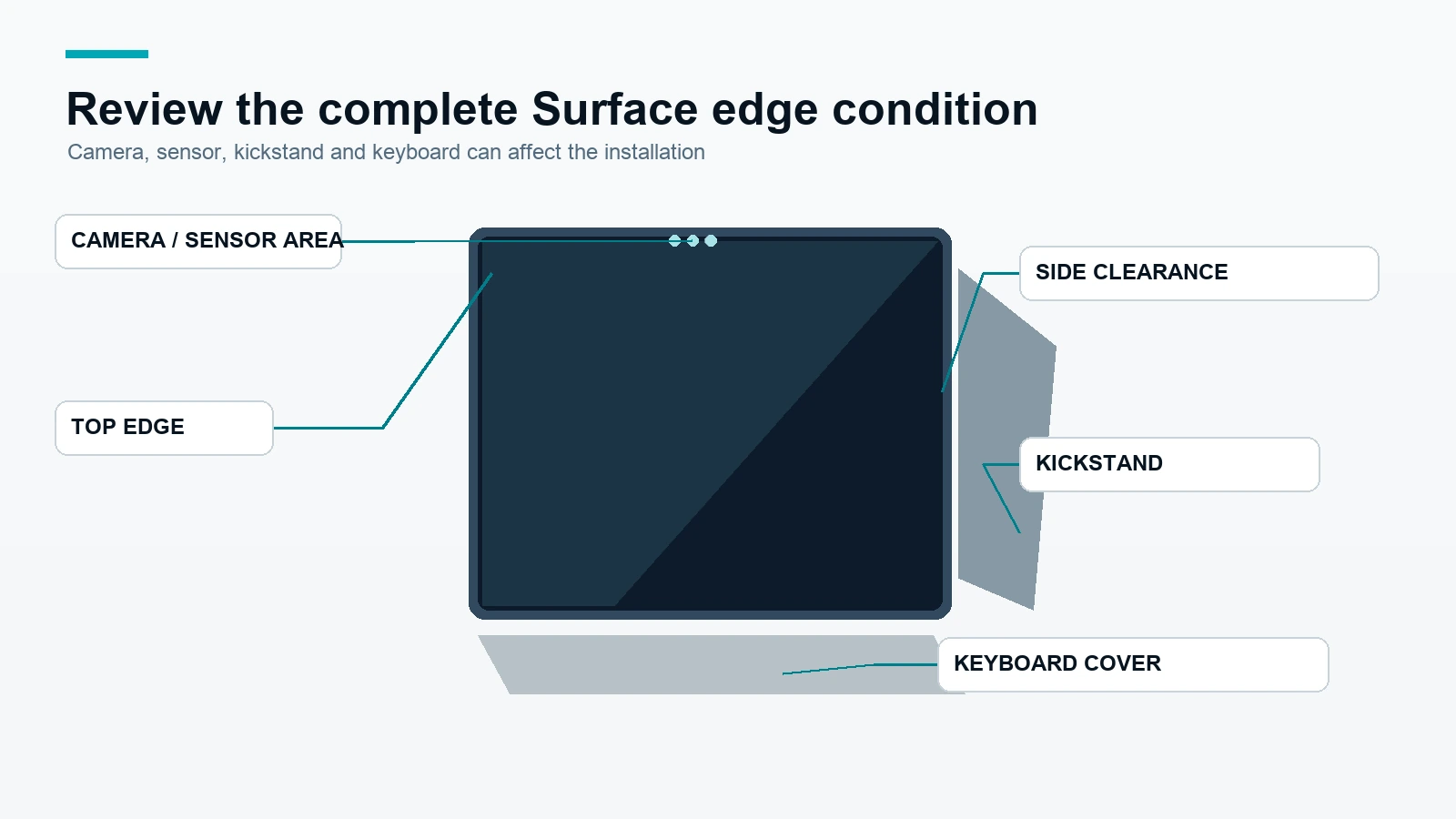
Add notes for the camera and sensor area, rounded corners, display edge, kickstand position, keyboard or Type Cover context, and whether the device must close or fold with the filter installed. These details help determine whether a standard path needs a sample or custom review.
Compare Surface installation methods
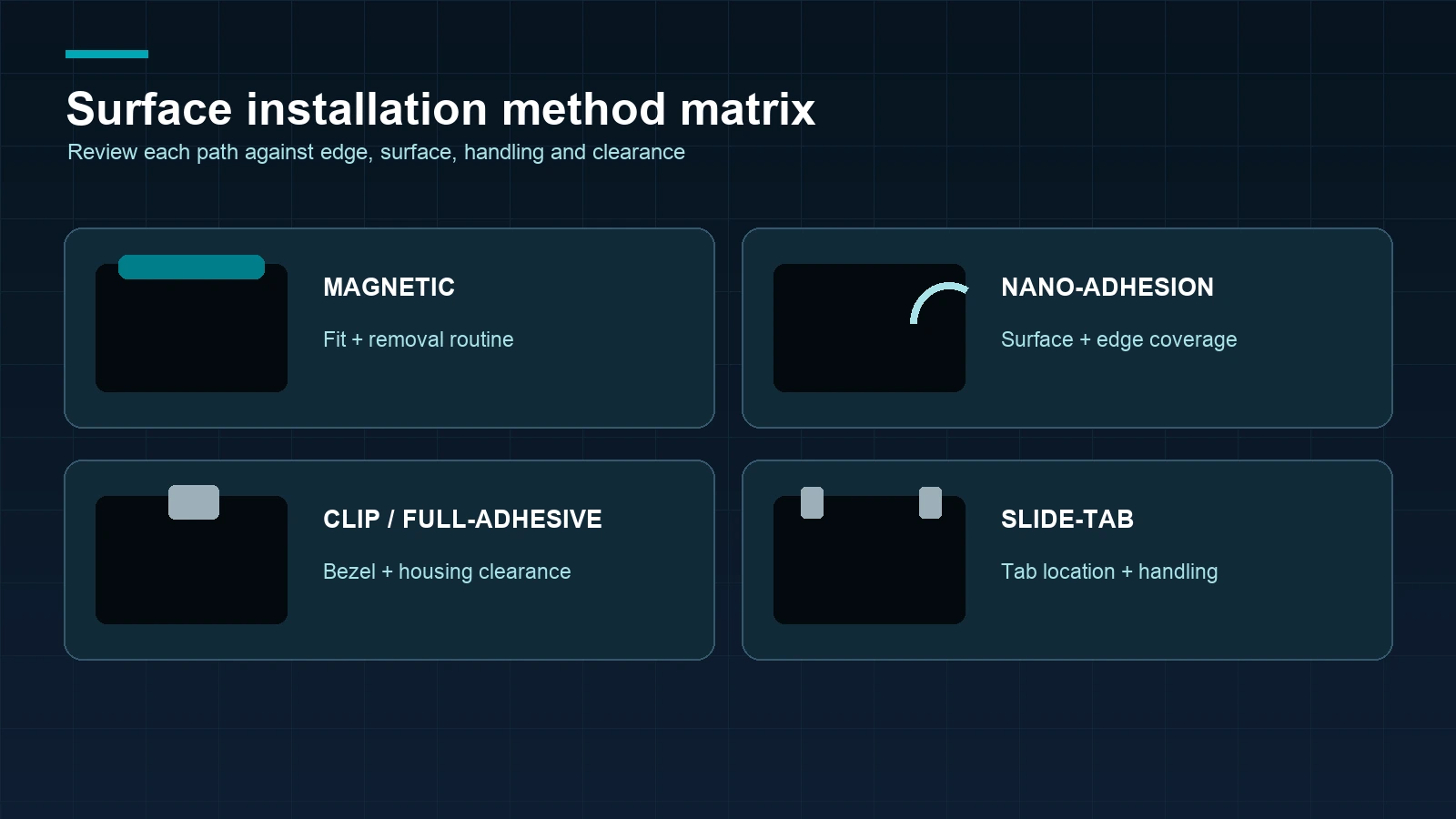
| Installation method | Project question | Inputs to confirm | Review focus |
|---|---|---|---|
| Magnetic | Does the user need regular removal or screen sharing? | Visible area, edge, sensor and magnetic placement conditions | Fit, handling and removal routine |
| Nano-Adhesion | Should the filter stay close to the display surface? | Visible area, surface, edge coverage and removal expectation | Device-specific surface and sample review |
| Clip / Full-Adhesive | Is there suitable edge clearance or a more fixed installation? | Bezel, camera, housing and lid or cover clearance | Installation and closing or folding routine |
| Slide-Tab | Is a guided removable tab path suitable for the device? | Edge geometry, tab location, visible area and handling routine | Placement, clearance and user handling |
Review the four Surface product paths separately: Surface Magnetic privacy screen, Surface Nano-Adhesion privacy screen, Surface Clip / Full-Adhesive privacy screen and Surface Slide-Tab privacy screen.
No method should be treated as universally suitable. The final installation depends on the exact Surface, visible area, edge or housing conditions, user routine and the sample or written fit review.
Prepare a fleet, sample or distributor request
Include the right fields
Send the exact Surface model, quantity, visible width and height, ratio, front and edge photos, edge or housing notes, preferred installation method, whether regular removal is needed, packaging requirements and target timing.
Use a representative sample
For a fleet, sample each materially different model or installation condition. Check coverage, camera and sensor clearance, edge placement, handling, screen sharing, removal and any closing or folding routine relevant to the device.
Obtain written approval
Map the approved model group to the selected product, material or function request, size, attachment, quantity, packaging, payment terms and delivery schedule in the written quote or order. Regular in-stock products normally ship within 3 days; samples normally take approximately 2–3 days; custom production normally ships within 7–10 days after the relevant details are confirmed.
For a project request, request a Surface fit review with the model list, measurements and photos.
Frequently asked questions
Can ScreenWord review a privacy screen for the full Microsoft Surface series?
ScreenWord can review requirements across the full Surface series, full size range and multiple installation methods. Final fit still requires the exact model, visible measurements, photos, ratio and edge or housing conditions.
Can one Surface privacy-screen size fit every Surface model?
No. A shared brand or size label does not prove shared visible dimensions or edge conditions. Group devices by exact model and confirmed fit inputs.
Do I need photos and measurements for a Surface privacy screen?
Yes, when requesting a reliable fit review. Send visible width and height, ratio when available, the exact model, front and edge or housing photos, and any camera, sensor or kickstand notes.
Which Surface installation method should I choose?
Choose from magnetic, nano direct-attach, clip or full-adhesive, and slide-tab paths after reviewing the device edge, removal routine, surface and clearance requirements.
Is an add-on Surface filter the same as an integrated privacy display?
No. An add-on filter is placed over an existing display. An integrated privacy display is a different product architecture and should be described as a separate project requirement.
Is touch compatibility guaranteed for every Surface privacy screen?
No. Touch behavior must be validated for the exact Surface, filter material, attachment and installation. Include touch use in the sample or product-specific review request.
The next step is to request a Surface fit review with the exact model, measurements, photos, installation preference and quantity.