
MacBook Privacy Screens
How to Select a MacBook Privacy Screen
Choose a MacBook privacy screen by recording the exact model, visible display size, ratio, edge condition and magnetic, nano, static or clip attachment needs.
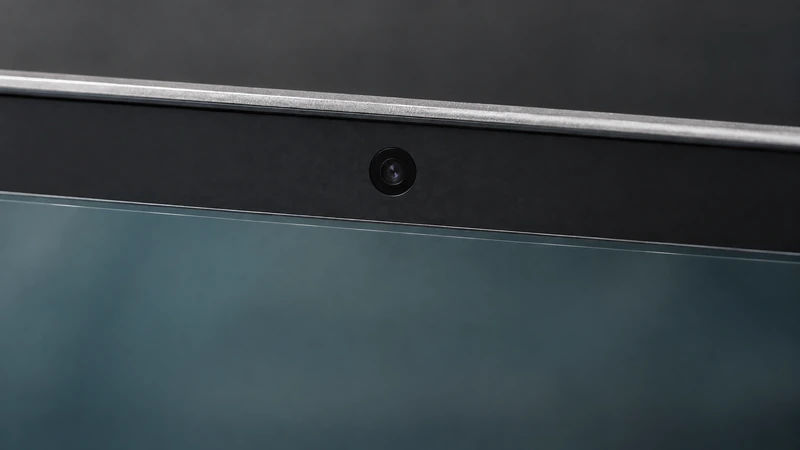
The safest way to choose a MacBook privacy screen is to identify the exact device and confirm the visible display area before selecting an attachment method. “MacBook Air” or “MacBook Pro” alone may not provide enough information for a fit decision, especially when a fleet contains several model generations or sizes.
This guide covers the information a buyer can prepare for a MacBook privacy-screen review: exact model details, visible width and height, aspect ratio, edge and camera conditions, removal routine and sample requirements.
Start with the exact MacBook request
Air and Pro are not enough by themselves
Record the product family, model identifier or year information available, marketed screen size, and whether the device is an Air, Pro or another MacBook configuration. Keep “13-inch,” “14-inch” or another diagonal label as a starting family rather than final sizing evidence.
If a buyer is comparing several devices, assign a group ID to each model and list the quantity. Do not combine Air and Pro devices merely because their diagonal labels look similar.
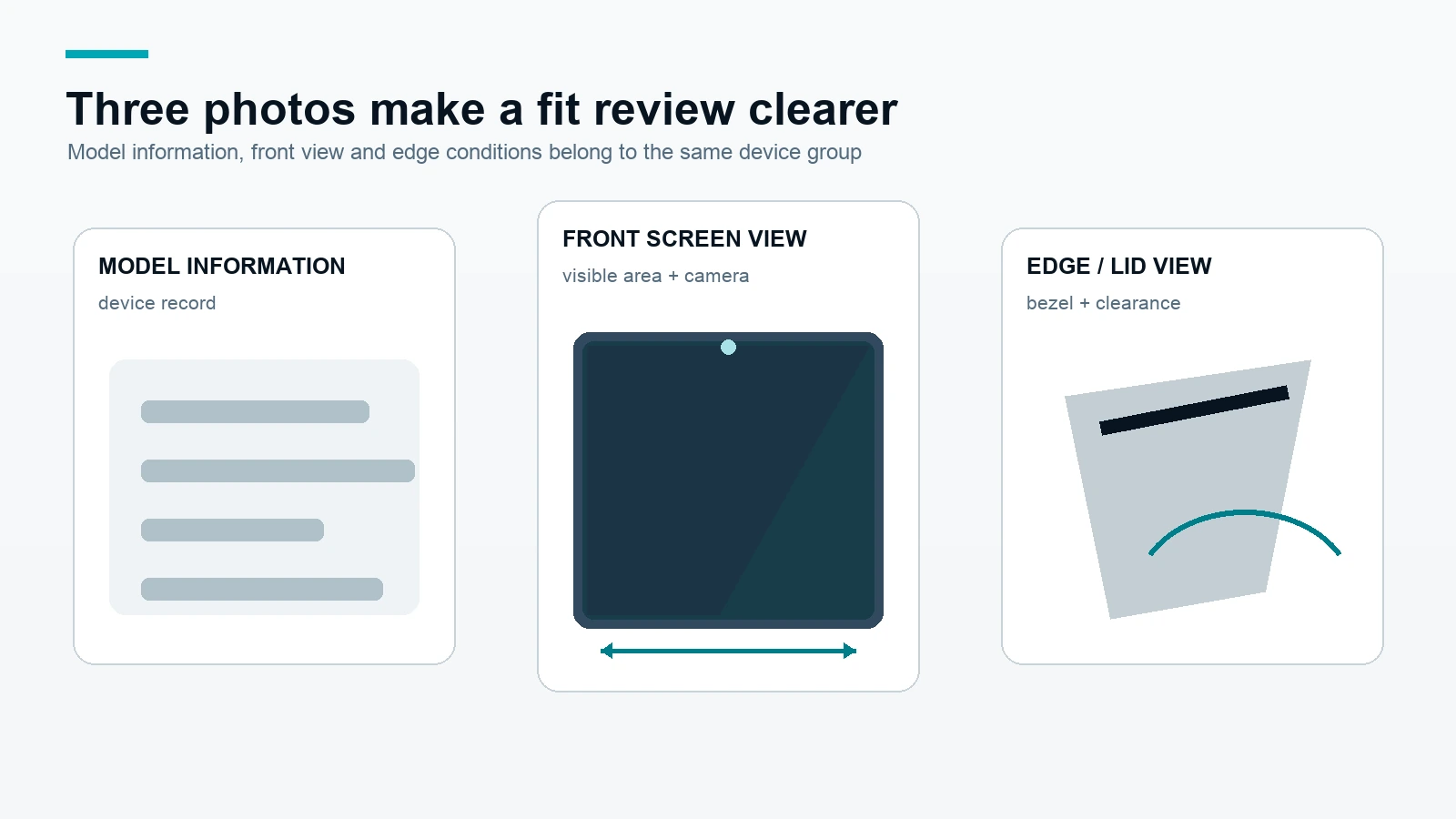
Record model information
Useful inputs include the exact model name shown on the device or order record, visible width and height, ratio, bezel or camera note, preferred attachment, whether the filter should remain installed while the lid closes, and how often users remove it.
Add front and edge photos
A front photo helps confirm the visible area and camera position. An edge or lid photo can show bezel width, clearance and the surface available for an attachment. Photos support the review but do not replace measurements or written confirmation.
Use the MacBook privacy screen category for product-family orientation, then prepare the MacBook measurement inputs before requesting a fit review.
Measure beyond diagonal size
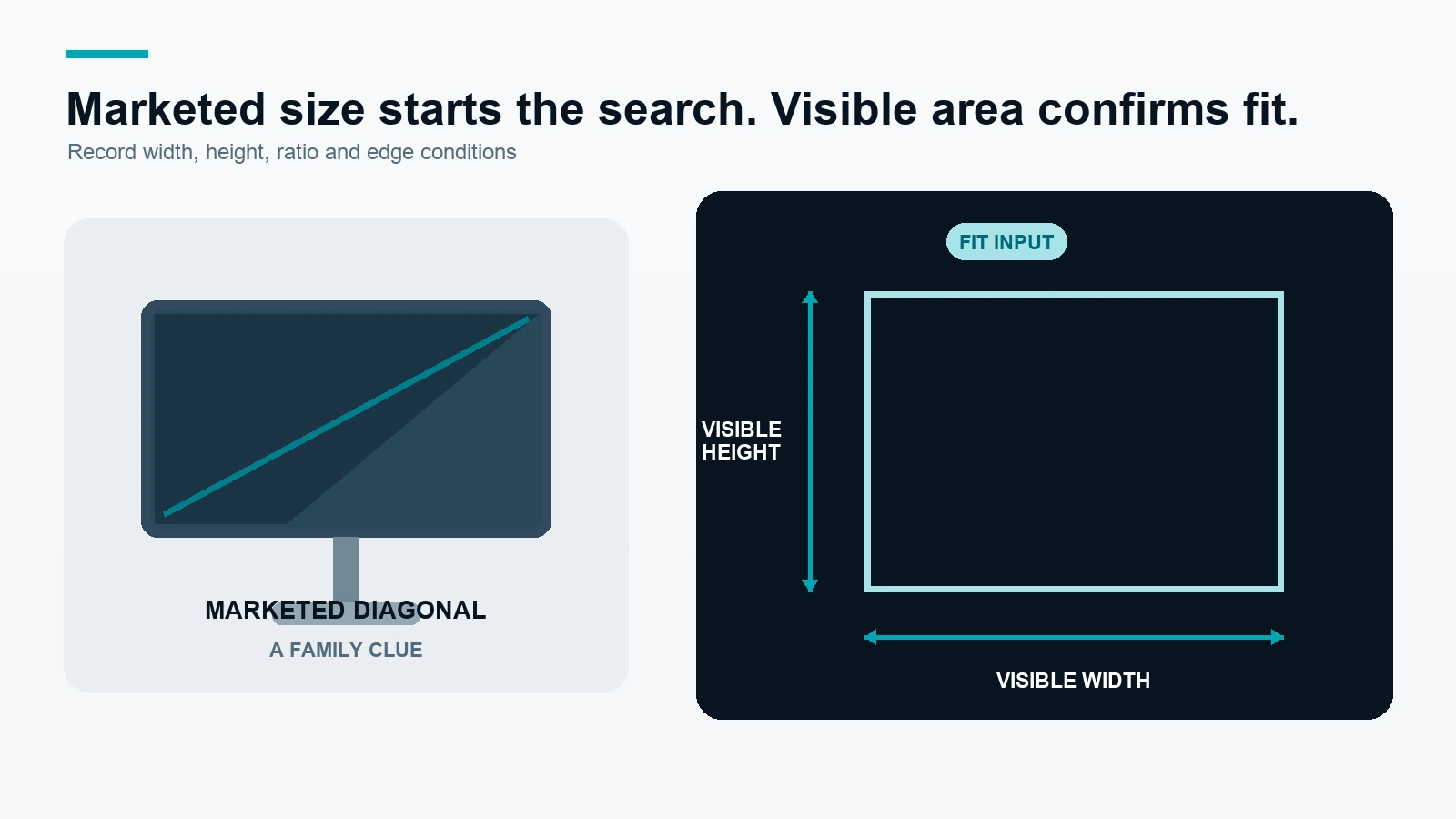
Record visible width and height in millimeters
Measure the active visible display area and record width and height in millimeters. State whether the measurement is taken inside a bezel and whether a camera opening, edge clearance or other cutout affects the requested filter geometry.
Use marketed diagonal as a family clue
Common marketed families such as 13, 13.3, 13.6, 14.2, 15.3 and 16.2 inches can help organize a first-pass device list. They are not interchangeable fit specifications. Different display ratios, generations and edge conditions can change the required visible width and height.
Note ratio and edge conditions
Record the aspect ratio when available, then add notes for the camera area, rounded corners, narrow bezels, display edge, lid clearance and any requirement to close the MacBook with the filter installed. These details help separate a standard group from a sample-required group.
The visible-area measurement guide is the best starting point when the model record is incomplete. For a MacBook fleet, include group quantities and photos in the bulk order request.
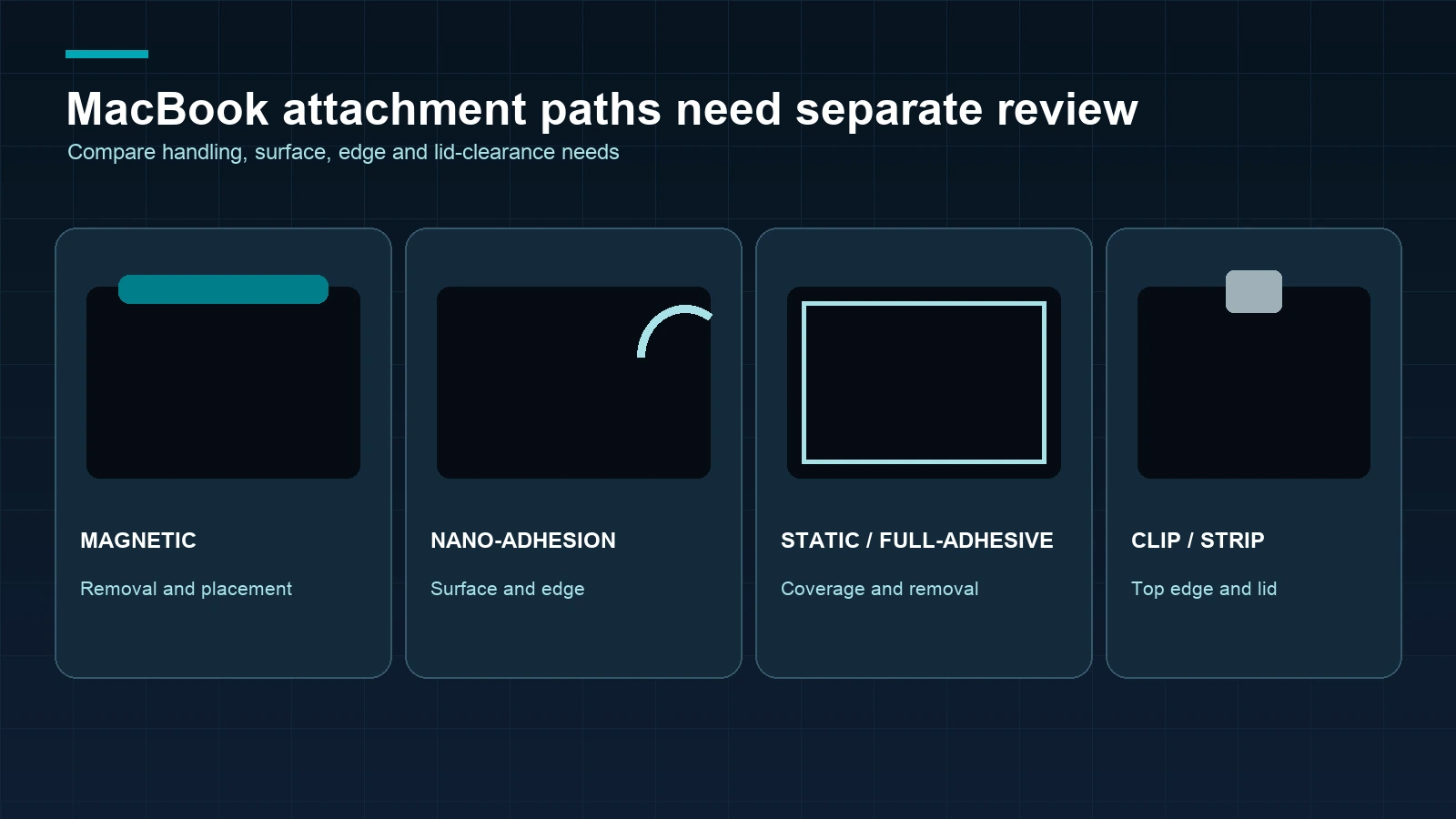
Compare MacBook attachment methods
| Attachment path | Suitable project question | Inputs to confirm | Review focus |
|---|---|---|---|
| Magnetic | Does the user need regular removal or screen sharing? | Visible area, edge and magnetic placement conditions | Fit, handling and removal routine |
| Nano-Adhesion | Should the filter stay close to the display surface? | Visible area, surface, edge coverage and removal expectation | Device-specific surface and sample review |
| Static / Full-Adhesive | Is a stable direct installation preferred? | Visible area, surface, edge and removal routine | Material, coverage and installation confirmation |
| Clip / Adhesive-Strip | Is there suitable top-edge clearance or a defined strip location? | Bezel, camera, lid clearance and preferred handling | Edge installation and closing routine |
Compare the relevant MacBook Magnetic privacy screen, MacBook Nano-Adhesion privacy screen, MacBook Static / Full-Adhesive privacy screen and MacBook Clip / Adhesive-Strip privacy screen paths separately.
No attachment path should be described as the best for every MacBook. The final choice depends on the exact device, visible area, edge conditions, removal needs and the buyer’s sample or written fit review.
Build the sample and order brief
Seven inputs for a useful review
- Exact MacBook family and model information.
- Quantity for each model group.
- Visible width and height in millimeters.
- Aspect ratio, bezel, camera and edge notes.
- Front and edge photos where the fit is uncertain.
- Preferred attachment and removal routine.
- Sample, packaging, payment and target schedule requirements.
Review the sample on the intended device
Check coverage, camera clearance, edge placement, opening and closing, removal and re-attachment handling, and the user’s front viewing experience. If the result is intended for a fleet, map the sample to the exact model group rather than treating it as proof for every MacBook.
Confirm the written configuration
After review, identify the selected product path, size, material or function request, attachment, quantity, packaging and payment conditions in the written quote or order. Regular in-stock products normally ship within 3 days; samples normally take approximately 2–3 days; custom production normally ships within 7–10 days after the relevant details are confirmed.
For a MacBook fleet, use the bulk MacBook privacy screen request. For a single fit question or a mixed model list, submit the MacBook details for fit review.
Frequently asked questions
What is the best MacBook privacy screen?
There is no single best method for every MacBook project. Compare the exact model, visible area, edge conditions, removal routine and the four available attachment paths before selecting a configuration.
Is a MacBook Air privacy screen different from a MacBook Pro privacy screen?
It can be. Family name, generation, ratio, visible dimensions and edge conditions all affect fit. Record the exact model and measurements instead of relying on Air or Pro alone.
Can I choose a MacBook privacy screen from the diagonal size only?
No. Diagonal size is a useful starting clue. Confirm visible width, visible height, ratio, camera and edge conditions before ordering.
Which MacBook privacy-screen attachment is easiest to remove?
That depends on the selected configuration and the device routine. Magnetic paths are designed for a removable discussion, while direct-attach and adhesive paths require a closer review of the surface and removal expectation.
Can a MacBook close with a privacy screen installed?
That is a device- and attachment-specific question. Check lid clearance and the selected installation on the intended MacBook before treating closing behavior as approved.
Should I order a sample before a MacBook fleet purchase?
Yes, when fit, camera clearance, lid handling or removal matters. A representative sample helps approve a defined model group before a larger order.
The next step is to submit MacBook details for fit review with the model, measurements, photos, quantity and attachment preference.