
Display optics in use
Privacy Filters and Polarized Sunglasses: Check the Display Before Buying

Check how a laptop display, polarized eyewear and a privacy filter work together before selecting a filter for employees who use sunglasses.
A laptop screen that looks darker through polarized sunglasses does not, by itself, show that a privacy filter is defective or unsuitable. The display can already use polarized light, the eyewear selects light by polarization, and an add-on privacy filter introduces a separate directional viewing function. Treat those as three factors rather than assigning every visible change to the filter.
The useful buying check is therefore specific: use the employee’s actual display, required eyewear, normal task and normal working orientation. Establish what the unmodified setup looks like first, then compare the intended filter combination only where changing the filter state is permitted. The result applies to that configuration; it is not a promise that every display, pair of sunglasses and privacy filter will work together in the same way.
Separate eyewear effects from the filter
LCD polarization and eyewear can interact
An LCD manages light using polarizing elements as part of its display operation. Polarized eyewear also selects light by polarization. Depending on the display and how it is viewed, that interaction can change perceived brightness or readability even when no add-on privacy filter is present.
Newhaven Display’s LCD explanation supports the general point that polarization participates in LCD image formation. HONOR’s support note documents a buyer-facing case in which a display appears dark through polarized glasses. The latter concerns a different device category and does not establish laptop-filter compatibility; it only reinforces why the unmodified display must be checked first.
Privacy louvers and polarized eyewear are not the same mechanism
A privacy filter is intended to reduce the useful view from selected off-center directions. Polarized eyewear changes which polarized light reaches the wearer’s eyes. These mechanisms may be present in the same viewing path, but they do not become interchangeable and they should not be diagnosed as one effect.
For a general explanation of intended and off-center viewing paths, see how a privacy screen filter works. This article does not repeat that principle or claim a universal privacy angle. It focuses on checking the user’s view when polarized eyewear is part of the real job.
Check the unmodified setup first
Use the actual work display and normal seating position
Start with the display as employees normally use it, without adding the proposed filter. Keep the laptop at the required work orientation and sit at the normal distance and height. Open a representative, non-confidential task with the text size, color scheme and brightness that the job actually uses.
Record the display identity, task, room lighting, seat, viewing direction and eyewear requirement. A result obtained on a different laptop, from a convenient angle or with unusually bright demonstration content cannot answer the purchasing question for the intended setup.
Compare the same content with and without eyewear in a safe indoor setting
Where the polarized eyewear is not required and workplace rules allow it to be removed, compare the same unmodified display and content with the eyewear worn and not worn. Change no other variable. This observation helps separate an existing display-and-eyewear interaction from any later effect seen after a filter is added.
Do not remove protective eyewear that is required for the task or area. Do not substitute another pair merely to make the screen easier to read. If required eyewear cannot be changed, record only the required-eyewear condition and use that as the baseline for the filter review.
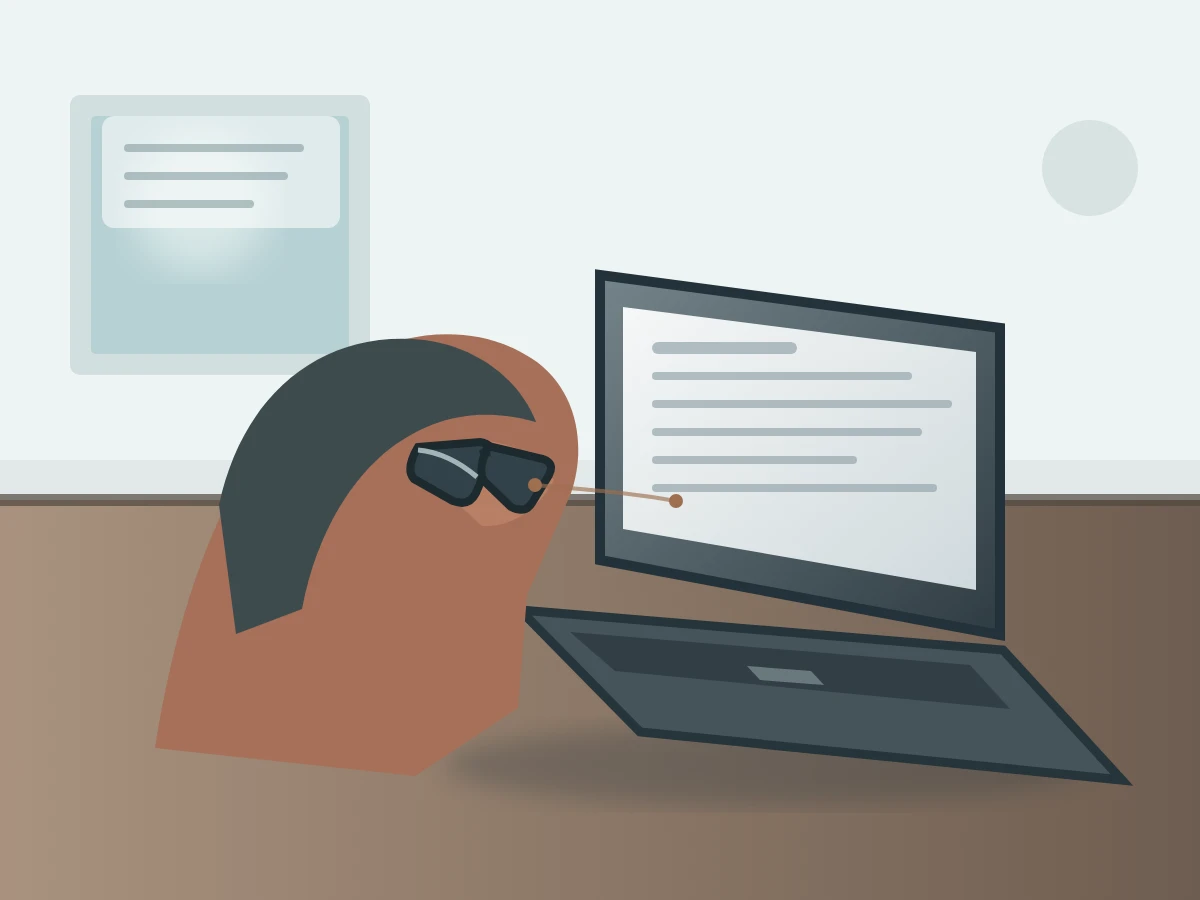
Compare the intended filter combination
If removal is permitted, change only the filter state
After the unmodified baseline is recorded, add the intended privacy filter according to its instructions. If the filter is designed to be removable and removing it is permitted, compare the installed and uninstalled states without changing the task, lighting, seat, display direction, display settings or eyewear state.
The laptop privacy filters route helps identify an appropriate configuration path. The universal laptop magnetic privacy screen is one removable product route, but its name does not guarantee fit or optical compatibility with every laptop and pair of polarized sunglasses. Confirm the actual device, attachment and intended use before treating it as the comparison sample.
Use the two-factor record below. Leave the observation cells blank until an authorized buyer or user checks the real setup; the table is not a ScreenWord experiment or a pre-filled result.
| Eyewear state | Filter state | Fixed setup | Buyer observation |
|---|---|---|---|
| Required or intended polarized eyewear worn | No add-on filter | Same task, light, seat and display direction | ______________________________ |
| Required or intended polarized eyewear worn | Intended filter installed as instructed | Same task, light, seat and display direction | ______________________________ |
| Eyewear not worn only when it is not required and removal is permitted | No add-on filter | Same task, light, seat and display direction | ______________________________ |
| Eyewear not worn only when it is not required and removal is permitted | Intended filter installed as instructed | Same task, light, seat and display direction | ______________________________ |
Record readability in the required work orientation rather than inventing a universal angle
Describe whether the required content remains usable from the employee’s actual position and orientation. Note the task and any observed change in plain language. Do not turn one observation into a numerical viewing angle, a pass rate or a general compatibility statement.
If the screen is rotated or the worker changes position during the job, record each required orientation as a separate setup. Keep the task, room light and seat relationship consistent within each comparison. A different orientation is a new condition, not a correction that should be hidden inside the first result.
Choose a combination for the real job
Do not remove required protective eyewear to make a display readable
Safety requirements define the usable setup. If polarized protective eyewear must remain on, evaluate the display and filter with that eyewear in place. A combination that is readable only after required protection is removed is not a suitable basis for that job.
This article does not recommend replacement safety eyewear or change an employer’s protective-equipment rules. If the required setup is not readable, record the exact configuration and route the issue to the responsible workplace, safety and procurement teams rather than improvising a substitute.
Use the exact display, eyewear and filter combination for a sample request
Prepare a configuration record with the display brand and model, normal display orientation, eyewear identity or reference, required task, lighting context, proposed filter or drawing reference, attachment route and quantity. For a deployment covering several device or eyewear groups, keep the groups separate through bulk privacy filter purchasing; one sample result should not be copied across different combinations.
Request a configuration review with the actual display, task, required eyewear, proposed filter configuration, quantity and the question that remains unresolved. Paste a concise summary into the form. Share supporting photos or files separately through the site’s provided communication channels, following their instructions.